724-746-5500 | blackbox.com
724-746-5500 | blackbox.com
Page 205
Chapter 4: Security
5. Maintenance
This chapter describes all the switch Maintenance configuration tasks to enhance the performance of local network including
Restart Device, Firmware upgrade, Save/Restore, Import/Export, and Diagnostics.
5.1 Restart Device
This section describes how to restart the switch for any maintenance needs. Any configuration files or scripts saved in the switch
should still be available after restart.
Web Interface
To configure a Restart Device Configuration in the Web interface:
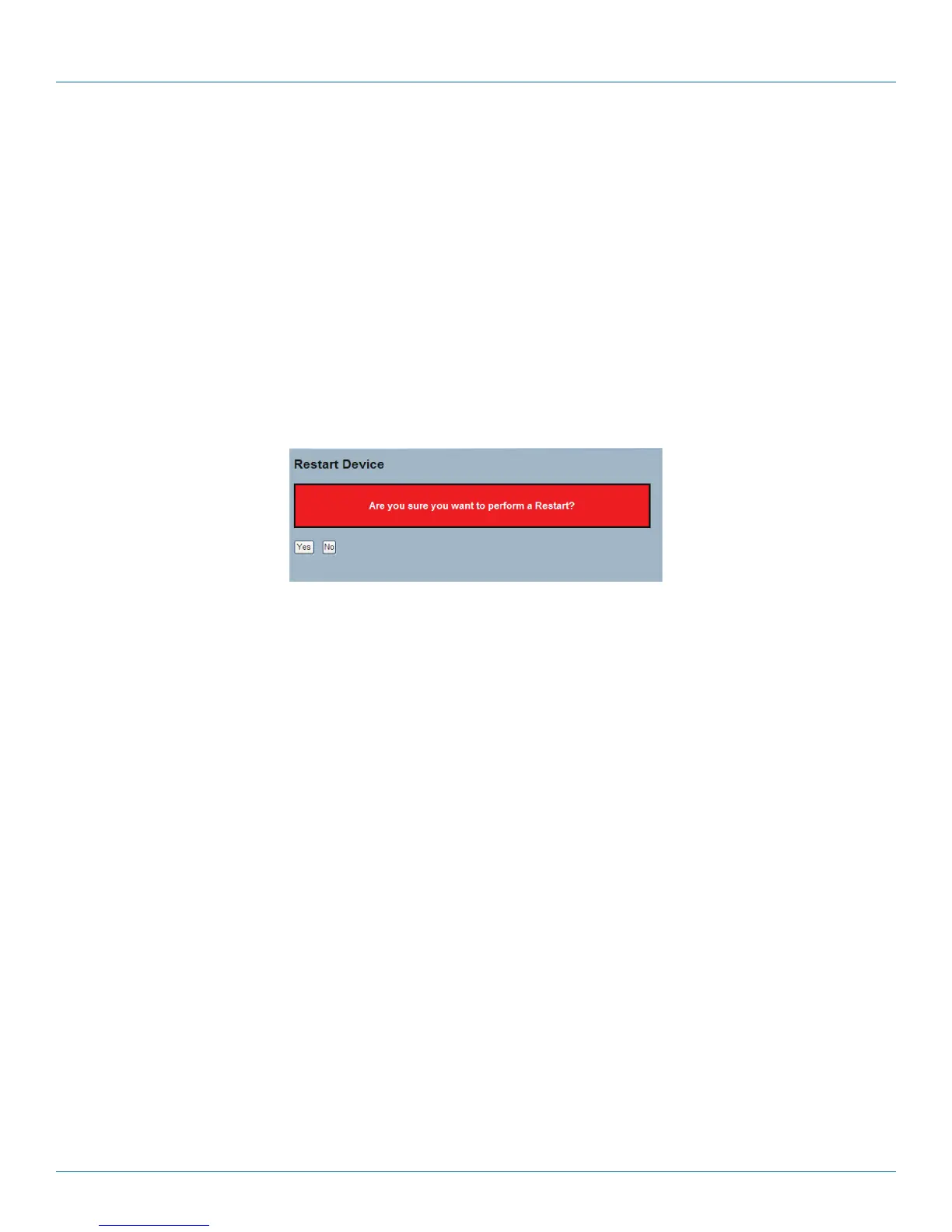
1. Ckick “Restart Device.“
2. Click “Yes.“
Figure 5-1. The Restart Device screen.
Parameter Description
• Restart Device: Restart the switch from within this screen. After restart, the switch will boot normally.
• Buttons:
- Yes: Click and the device will restart.
- No: Click to close this screen.
LPB2810A











 To Next Page