Settings
19
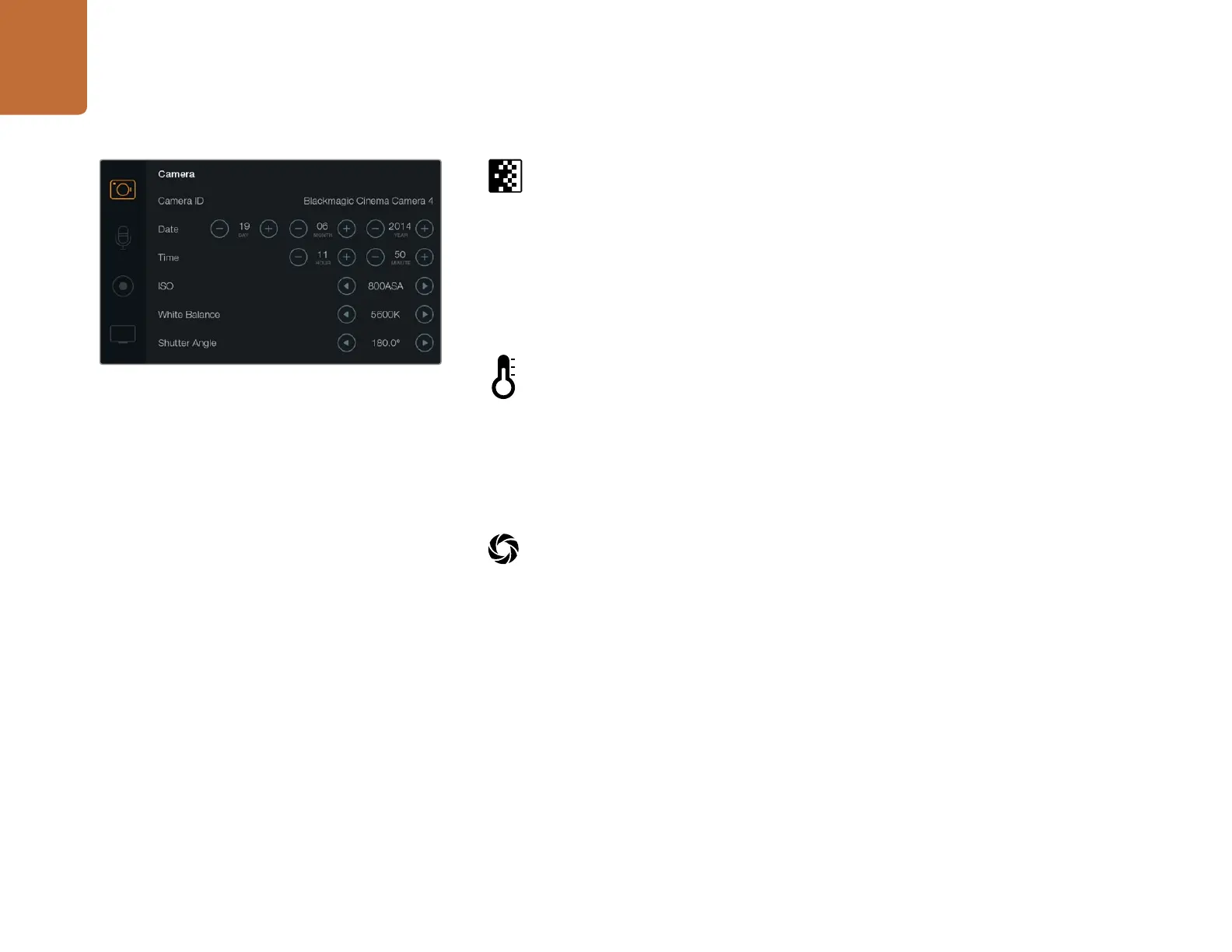
ISO
ISO settings are helpful when you are shooting in a variety of light conditions. The optimum ISO
setting for the Pocket Cinema Camera and Cinema Camera is 800ASA. For Production Camera
4K the optimum ISO setting is 400ASA.
Depending on your situation, however, you may choose a lower or higher ISO setting. For example,
in low light conditions 1600ASA would be suitable but may introduce some visible noise. In bright
conditions 400ASA would be best to record richer colors.
Adjust the ISO settings using the arrow icons in the menu.
White Balance
Your Blackmagic Camera includes 6 white balance presets for a variety of color temperature
conditions. These are:
3200K for tungsten light
4500K for fluorescent light
5000K, 5600K, 6500K and 7500K for a variety of daylight conditions such as time of day.
Adjust the White Balance settings using the arrow icons in the menu.
Shutter Angle
Shutter angle complements the ISO setting by regulating the amount of light on the sensor. 180
degrees is the optimum shutter angle, however as lighting conditions change you may need to
adjust accordingly. For example, 360 degrees is considered 'wide open' and allows maximum
light onto the sensor. This is useful for low light conditions. If you notice lights are flickering, 172.8
degrees will minimize this effect when shooting 24p in countries with 50 hertz power supplies.
Adjust the Shutter Angle settings using the arrow icons in the menu.
The Camera Settings screen















 To Next Page