Reference Input
This allows multiple cameras to be genlocked to a blackburst or tri-level reference signal.
Genlocking cameras to an external reference signal helps to prevent timing errors which may
result in the picture jumping when switching between different cameras.
Power
Use the 12 - 24V power input for connecting your power supply and to charge the internal
battery in Blackmagic Studio Camera HD and Blackmagic Studio Camera 4K. When the battery
in these cameras is charged it will power the camera for up to 4 hours on Studio Camera HD,
and up to 3 hours on Studio Camera 4K.
Blackmagic Studio Camera 2 and Studio Camera 4K 2 do not have internal batteries.
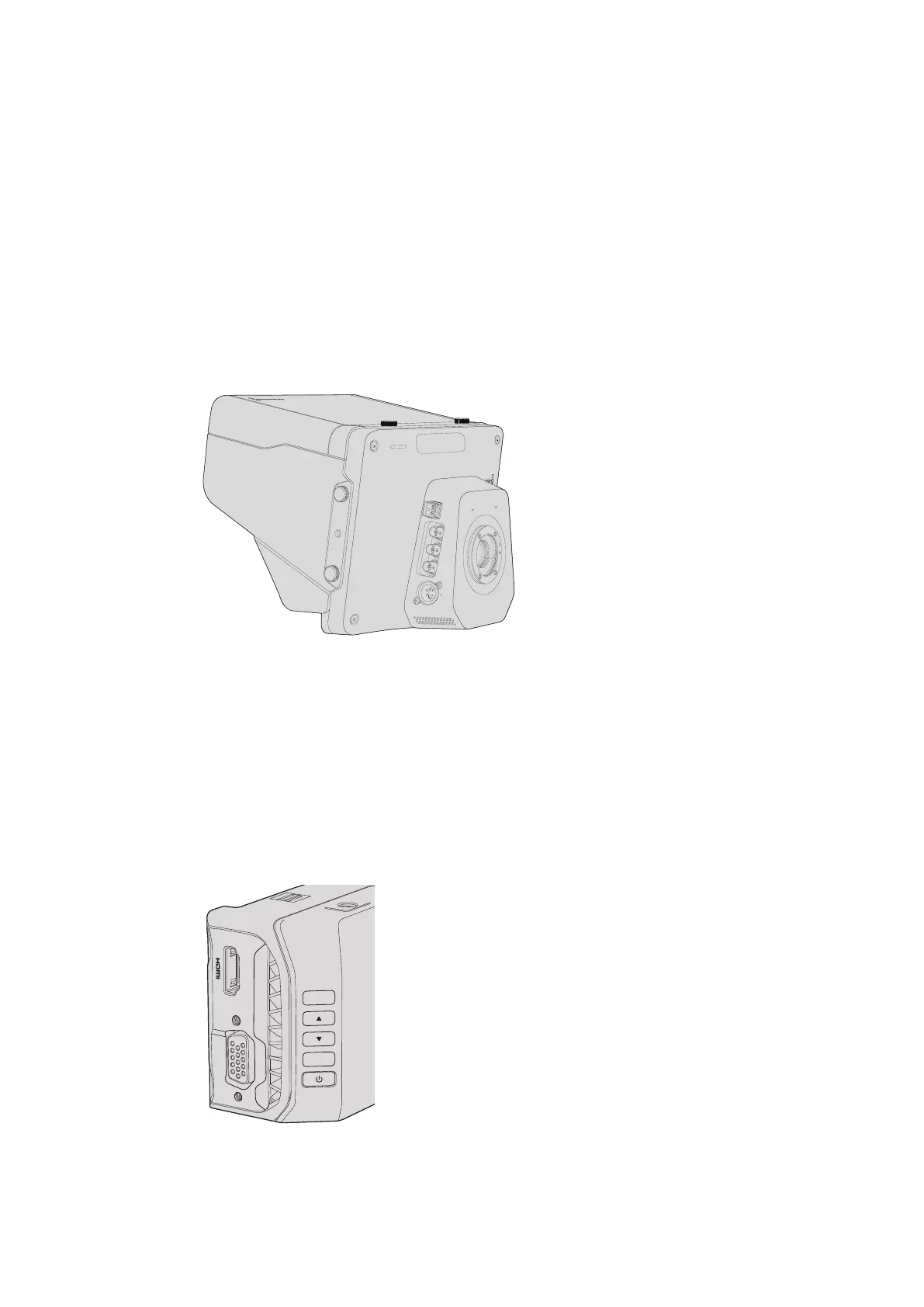
Blackmagic Micro Studio Camera 4K - Left Side
HDMI Output
The HDMI port on your Blackmagic Micro Studio Camera 4K outputs 10-bit 4:2:2 1080p video
with 2 channels of audio for monitoring purposes. You can connect any HD capable HDMI
monitor, such as Blackmagic Video Assist, to frame and focus shots as well as navigating the
Micro Studio Camera 4K’s menus.
The frame rate of the HDMI output will match the format of the camera. For example, if the
camera is set to 2160p30, the HDMI output will be in 1080p30.
OPTICAL OUT
OPTICAL IN
SDI OUT
SDI IN
REF
12V
EXPANSION
SET
MENU
1515Camera Connections



 To Next Page