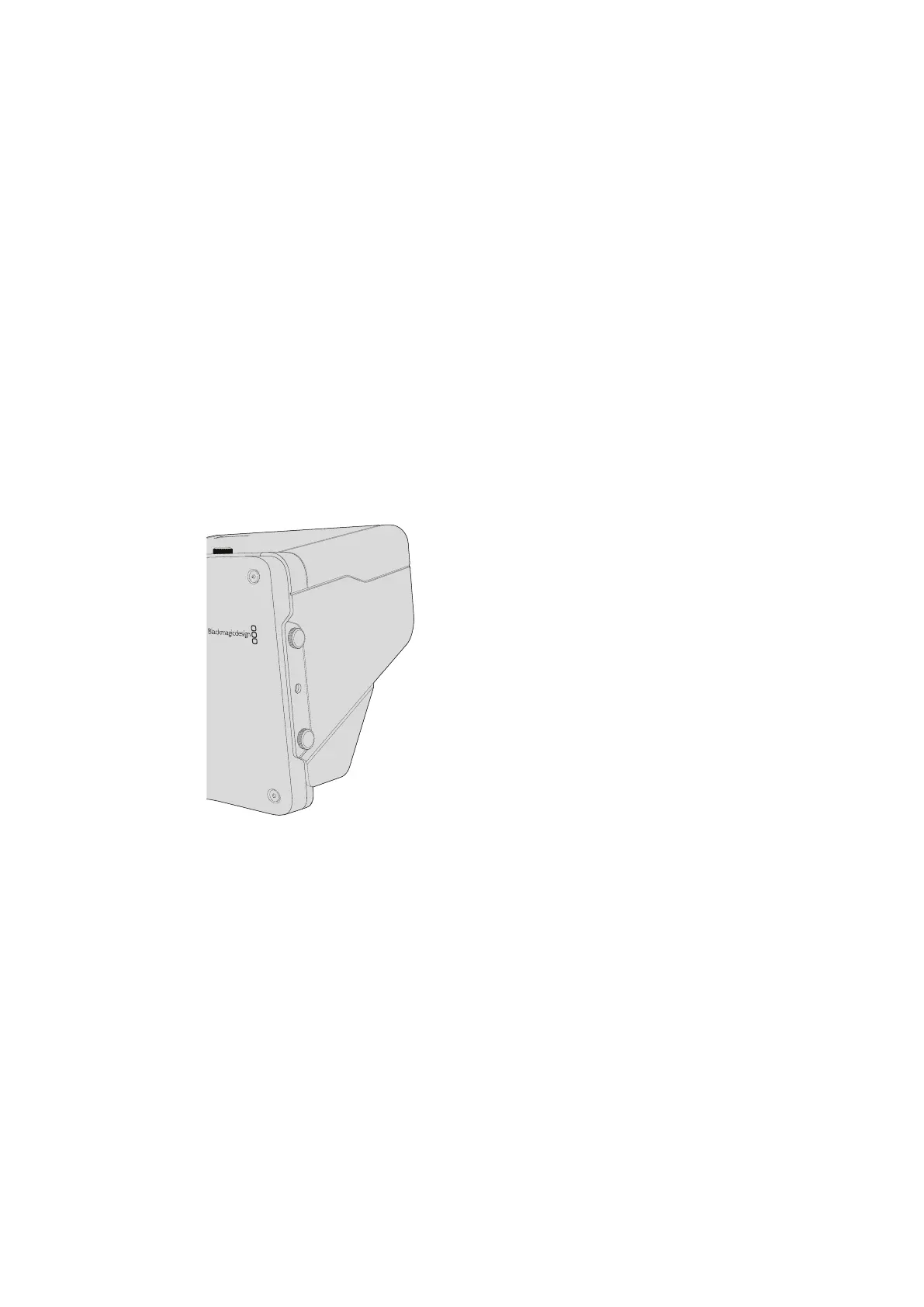
Attaching Accessories
Sun Shade
The Studio Cameras include a foldable sun shade to shade the LCD in bright conditions and
ensure optimum viewing is possible at all times.
1 Locate the 6 thumbscrews that are included with your Studio Camera.
2 Align the holes in the sun shade with the camera’s mounting points and screw in 2
thumbscrews to the top and each side of the camera to firmly secure the sun shade.
Other Accessories
For studio use, you might want to mount the camera on a pedestal and add rails for large
broadcast lenses and teleprompters. For outside broadcast use, your may want to attach
microphones, external batteries, or LANC remote controllers. The camera includes two 3/8”
mounting points on the bottom, and ten 1/4” mounting points on the sides and the top.
This means you have the flexibility to customize your rig for any size production.
Using ATEM Software Control
Introducing Camera Control
Your Blackmagic Studio Camera can be controlled from an ATEM switcher using the Camera
Control feature in ATEM Software Control. Clicking on the Camera button opens the camera
control feature. Settings such as iris, gain, focus and zoom control are easily adjusted using
compatible lenses, plus you can color balance cameras and create unique looks using the
DaVinci Resolve primary color corrector.
The ATEM switcher control works by broadcasting camera control packets via all the non down
converted SDI outputs of an ATEM switcher. So this means you can connect an SDI output of an
ATEM switcher to your camera’s video input, your camera will detect the control packets in the
SDI link and allow you to control features in the camera itself. You can control your camera via
both regular SDI, or via user upgradable
optical
fiber when the SFP module is installed.
3131Using ATEM Software Control



 To Next Page