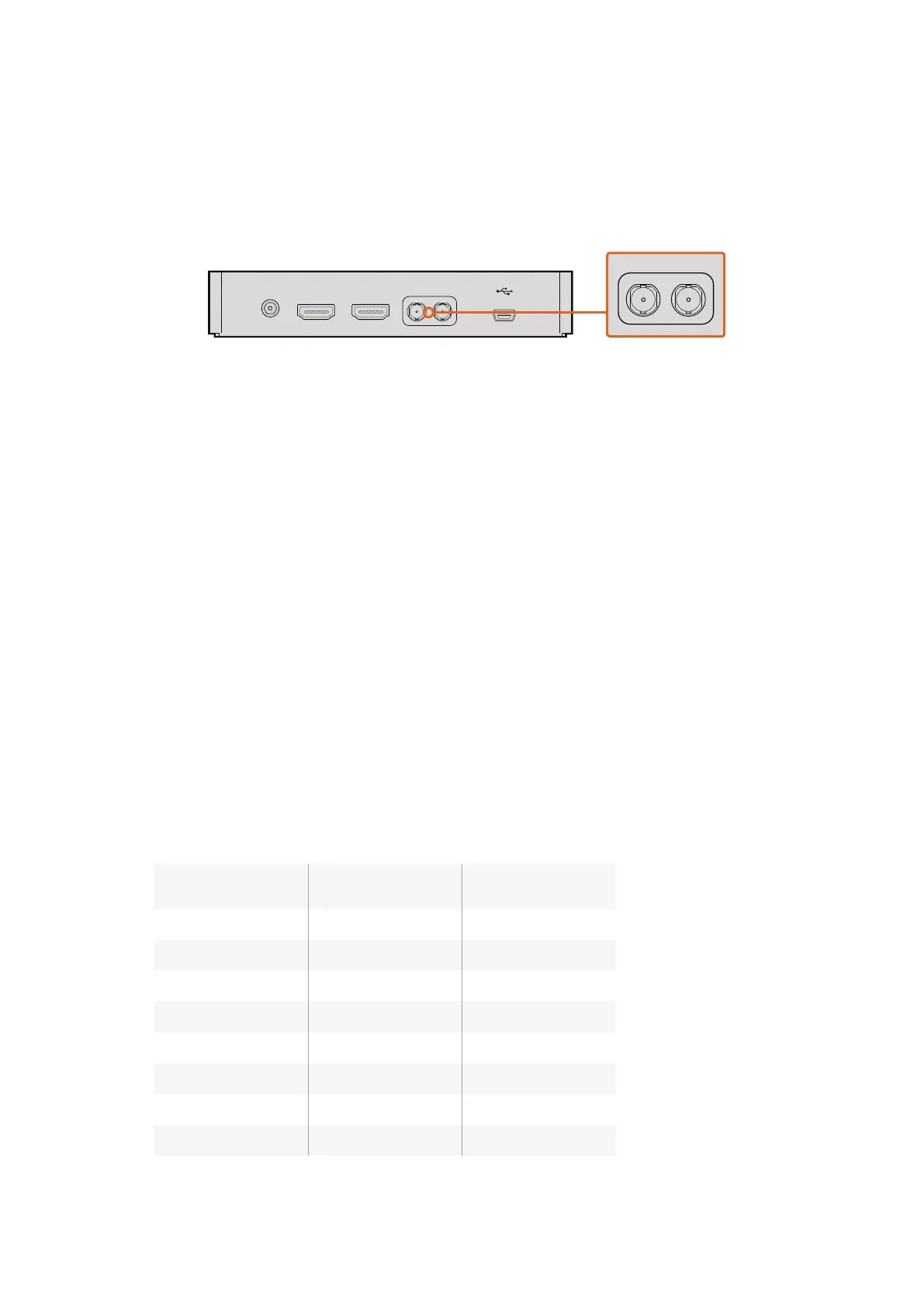
Connecting to Recorders
If you simply wish to record your Studio Camera’s output, you can connect the SDI output to the
SDI input of an SSD recorder such as the Blackmagic HyperDeck Shuttle. The SDI output from
the HyperDeck can then be connected to the Studio Camera’s SDI input, so you can view your
recordings on the camera’s LCD.
Connect the camera’s SDI output to the HyperDeck’s SDI input and connect the
HyperDeck’s SDI output to the camera’s SDI input to view your recordings.
Connecting Tally using the
Blackmagic3G-SDI Arduino Shield
If you are using an SDI switcher with a tally output connector, you can connect the tally outputs
to a Blackmagic 3G-SDI Arduino Shield to send tally signals to your Blackmagic Studio Cameras.
This means you can still get tally on your Blackmagic cameras via the SDI program return feed
even if you aren’t using an ATEM switcher.
For example, the switcher’s parallel tally port connects to pins D2 - D9 of your Blackmagic
shieldand the shield’s SDI output is connected to all Blackmagic cameras via a distribution
amplifier, such as a Blackmagic Mini Converter SDI Distribution. This way you can send tally to 8
separate Blackmagic cameras.
The Blackmagic camera number must match the switcher’s tally outputs, which means you may
need to wire a custom connector to make sure the pins correspond to each camera number.
The common GND from the switcher’s tally connector must be connected to the GND pin of the
Arduino shield.
Below is a configuration example showing how the Blackmagic camera numbers match the tally
outputs from the switcher, which are then connected to the pins on the Blackmagic
Arduino shield.
Blackmagic
Camera Number
Switcher
Input Number Arduino Pin
1 1 D2
2 2 D3
3 3 D4
4 4 D5
5 5 D6
6 6 D7
7 7 D8
8 8 D9
+12V POWER HDMI IN HDMI OUT SDI IN SDI OUT
+12V POWER HDMI IN HDMI OUT SDI IN SDI OUT
2828Connecting Tally using the Blackmagic 3G-SDI Arduino Shield



 To Next Page