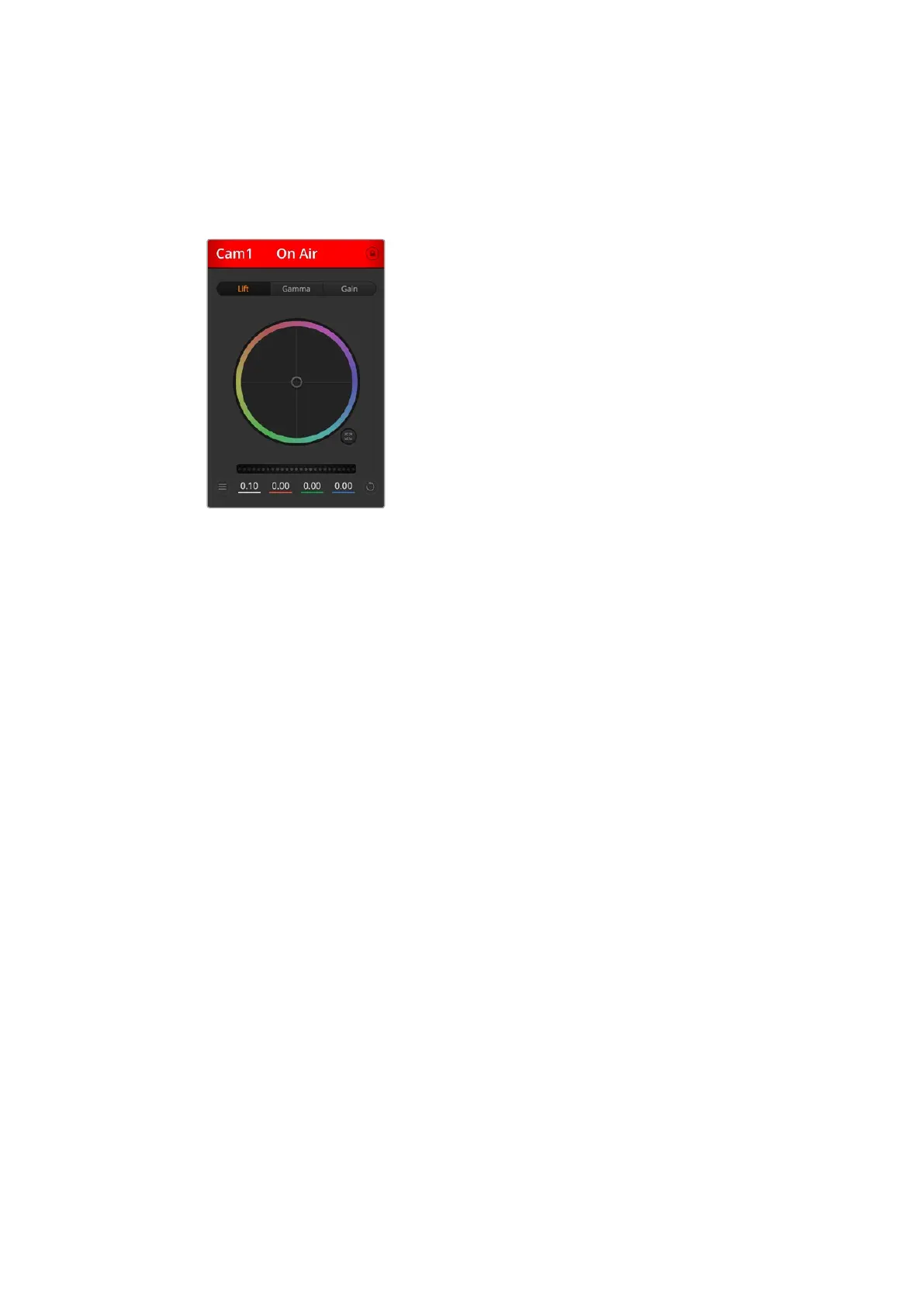
Channel Status
The channel status at the top of each camera controller displays the camera label, On Air
indicator and lock button. Press the lock button to lock all the controls for a specific camera.
When on air, the channel status illuminates red and displays the On Air alert.
Each camera controller displays the channel
status so you know which camera is on air.
Use the color wheels to adjust each YRGB
channel’s lift, gamma and gain settings.
Color Wheel
The color wheel is a powerful feature of the DaVinci Resolve color corrector and used to make
color adjustments to each YRGB channel’s lift, gamma and gain settings. You can select which
setting to adjust by clicking on the three selection buttons above the color wheel.
Master Wheel
Use the master wheel below the color wheel to make contrast adjustments to all YRGB
channels at once, or luminance only for each lift, gamma or gain setting.
Camera Settings
The camera settings button near the bottom left of the master wheel lets you turn on the color
bars feature in Blackmagic Studio Cameras, Micro Studio Cameras and URSA mini, plus adjust
detail settings for each camera’s picture signal.
Show/Hide Color Bars
Blackmagic cameras have a color bars feature built in which you can turn on or off by selecting
‘show’ or ‘hide’ color bars. This feature can be very useful for visually identifying individual
cameras while setting up for your live production. Color bars also provide an audio tone so you
can easily check and set the audio levels from each camera.
Detail
Use this setting to sharpen the image from your cameras live. Decrease or increase the level of
sharpening by selecting: Detail off, detail default for low sharpening, medium detail, and
high detail.
3434Using ATEM Software Control



 To Next Page