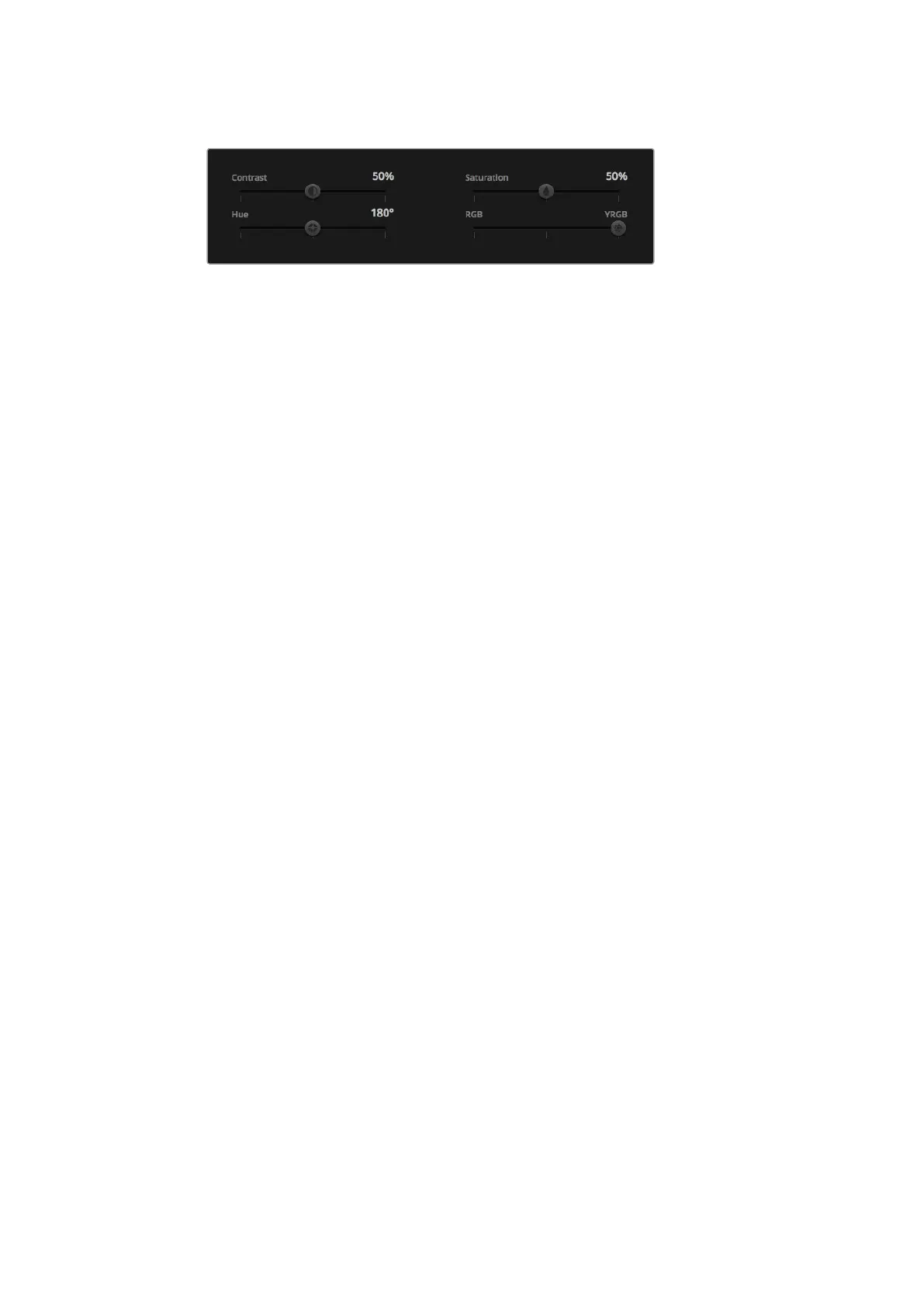
Drag the sliders left or right to adjust Contrast,
Saturation, Hue and Lum Mix settings..
Contrast Setting
The Contrast setting gives you control over the distance between the darkest and lightest
values of an image. The effect is similar to making opposing adjustments using the lift and gain
master wheels. The default setting is 50%.
Saturation Setting
The Saturation setting increases or decreases the amount of color in the image. The default
setting is 50%.
Hue Setting
The Hue setting rotates all hues of the image around the full perimeter of the color wheel.
Thedefault setting of 180 degrees shows the original distribution of hues. Raising or lowering
this value rotates all hues forward or backward along the hue distribution as seen on a
color wheel.
Lum Mix Setting
The color corrector built into your Blackmagic Studio Camera is based on the DaVinci Resolve
primary color corrector. DaVinci has been building color correctors since the early 1980’s and
most Hollywood films are color graded on DaVinci Resolve than any other method.
This means the color corrector built into your Blackmagic Studio Camera has some unique and
creatively powerful features. The YRGB processing is one of those features.
When color grading, you can choose to use RGB processing, or YRGB processing. High end
colorists use YRGB processing because you have more precise control over color and you can
independently adjust the channels with better separation and more creative options.
When the Lum Mix control is set to the right side, you have the 100% output of the YRGB color
corrector. When you have the Lum Mix control set to the left side, you get 100% output of the
RGB corrector. You can set the Lum Mix to any position between the left and right to get a blend
of output from both the RGB and YRGB correctors.
Which is the correct setting to use? That’s up to you, as color correction is a pure creative
process and there is no right and wrong, and the best setting is what you like the most and
what you think looks good!
Synchronizing Settings
When connected, camera control signals are sent from the ATEM switcher to your Blackmagic
Studio Camera. If a setting is accidentally adjusted from your Studio Camera, camera control will
automatically reset that setting to maintain synchronization.
4040Using ATEM Software Control



 To Next Page