18
Table 6. Home Screen Button Functions
BUTTON FUNCTION
Single button with three modes. When performing an exam, press the button repeatedly
until the desired setting appears above the saved exams folders:
• Select the “small child” icon to scan a patient less than 122cm (48in) tall and weighing
less than 27kg (60lbs).
• Select the “female" icon to scan a female patient who has not had a hysterectomy.
• Select the “BladderScan" icon to scan all other patients.
View the onboard tutorial.
Go to the Settings screen (set the time, date, facility name, and user preferences).
Review a previously‑saved exam.
Initiate communication with the ScanPoint
®
host computer. Saved and annotated exams will
be automatically uploaded to the host computer once connected.
Note: ScanPoint software must be previously installed and the computer connected to the
wireless hub. Use of the ScanPoint software is optional.
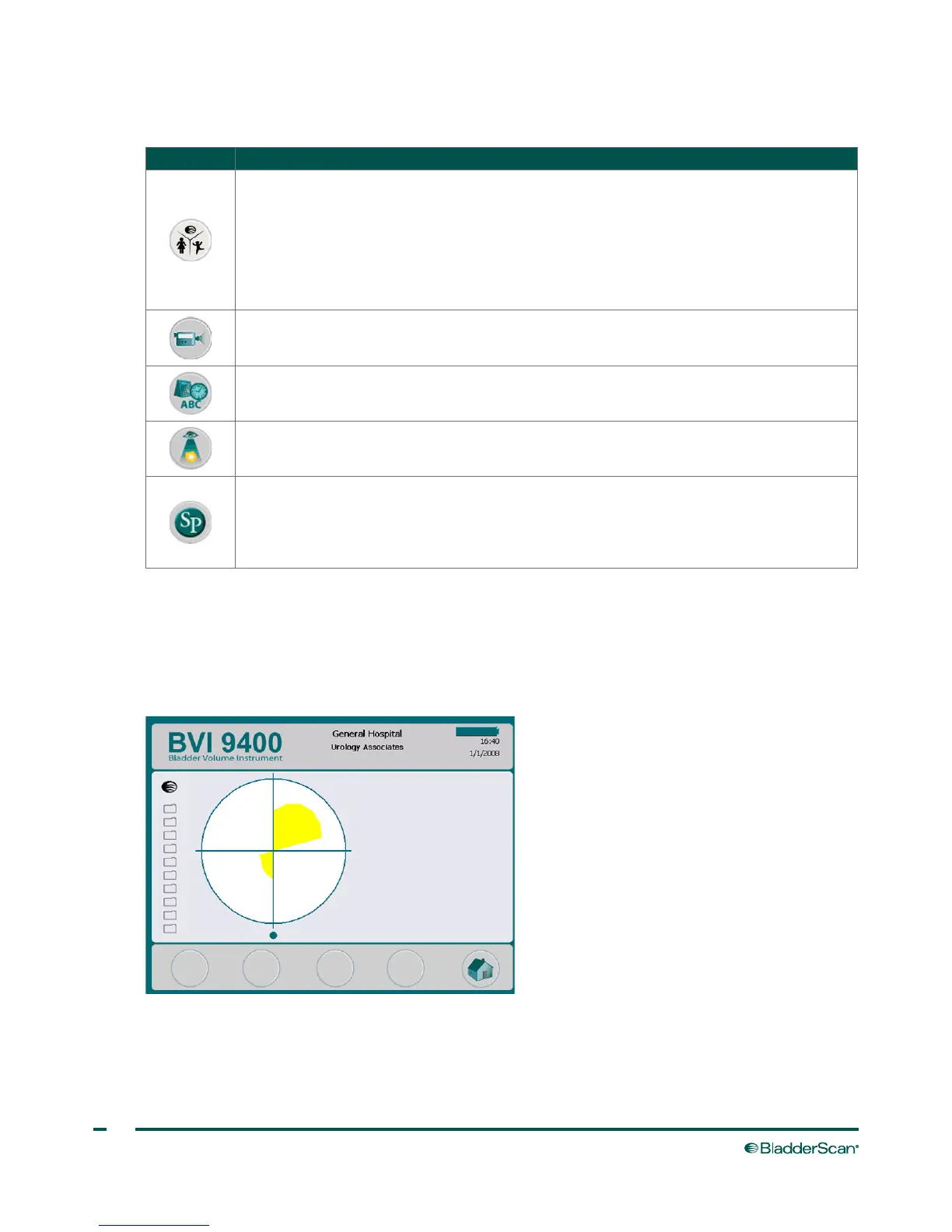
SCAN SCREEN
The Scan screen appears after you press the Scan button on the underside of the probe and displays a
progressively‑updating image of the bladder outline. When the ultrasound measurement is complete, the
Results screen opens automatically. Four of the five buttons below the display do not function during the
scan.



 To Next Page