19
Operations & Maintenance Manual: Introduction
RESULTS SCREEN
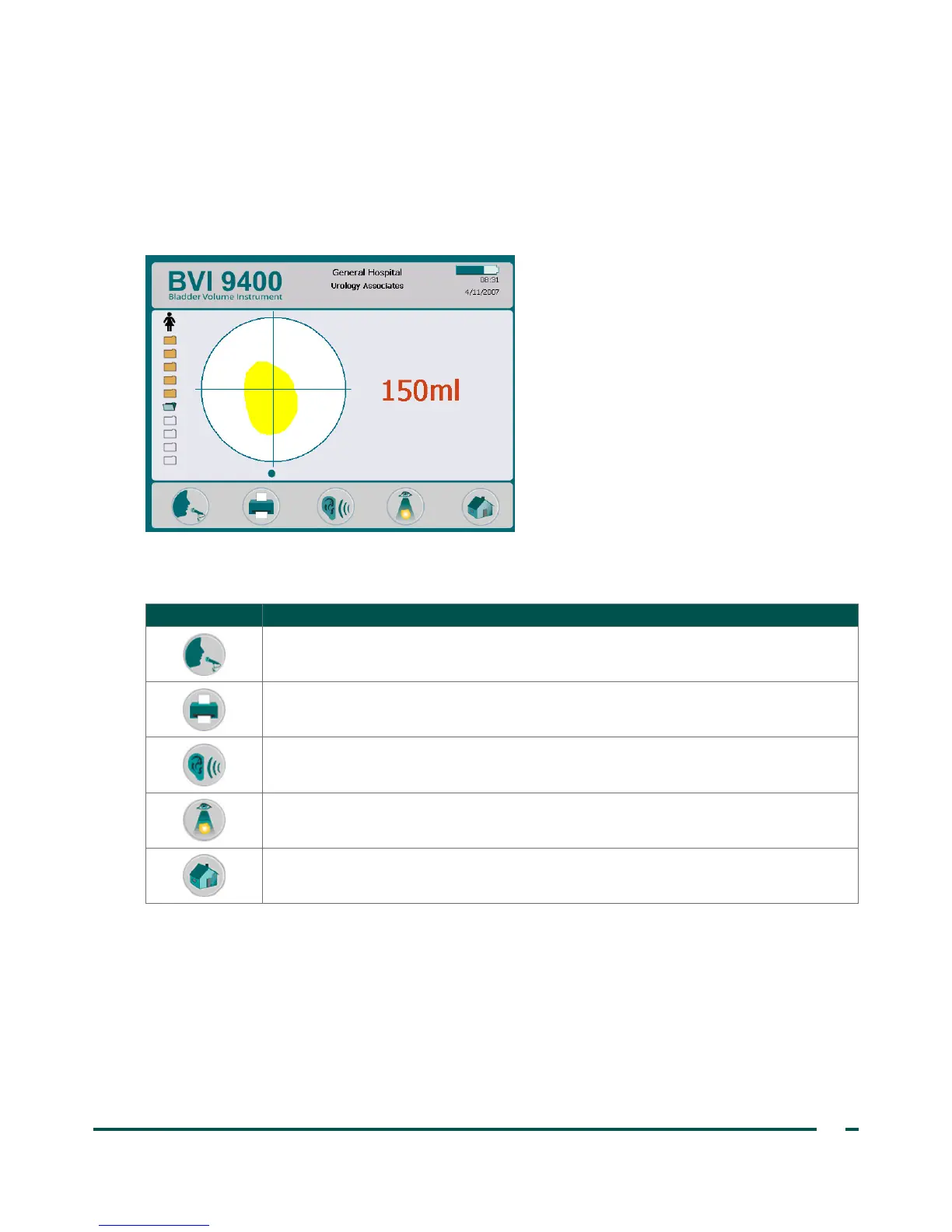
The Results screen appears automatically when an ultrasound scan is complete. The display presents the
result of the exam: crosshairs, bladder outline, and the calculated bladder volume. You may choose to print
this result to the onboard printer and also record a voice annotation to save the exam. After the annotation is
recorded, the Listen and Review buttons become active, and the newly recorded exam appears on the main
display as an open blue folder icon.
Table 7. Results Screen Button Functions
BUTTON FUNCTION
Record a voice annotation (up to 10seconds long).
Print exam results to the onboard printer.
Listen to a previously recorded voice annotation. If no voice annotations are recorded,
this button is disabled.
Go to the Review screen. If no voice annotations are recorded, this button is disabled.
Return to the Home screen.



 To Next Page