20
REVIEW SCREEN
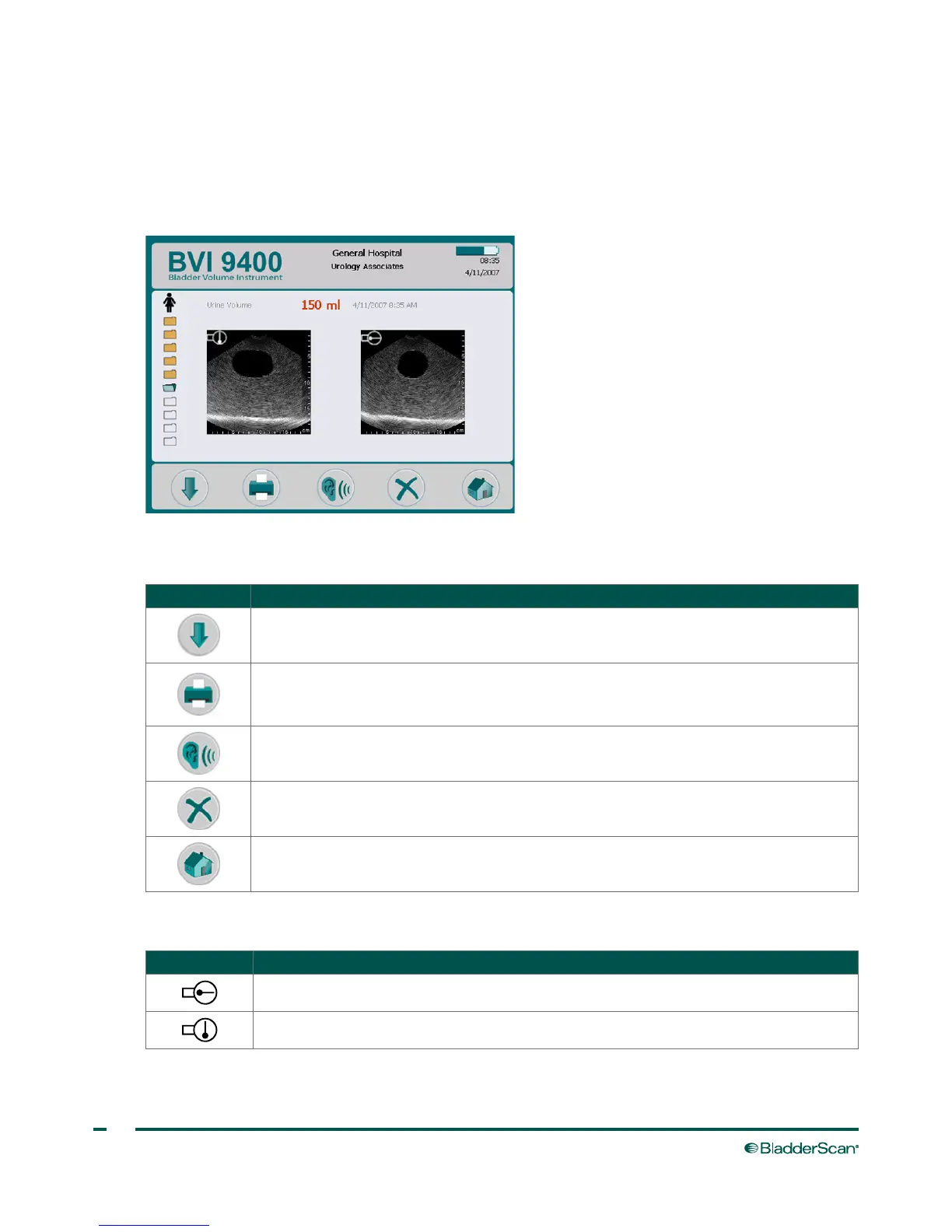
The Review screen opens when you select a saved exam (orange folder icon) to review. The display shows the
ultrasound images associated with the selected exam. A blue open‑folder icon indicates which exam is being
viewed. While reviewing saved exams, the buttons below the display allow you to print, listen to, or delete
examdata.
Table 8. Review Screen Button Functions
BUTTON FUNCTION
Select the next exam in the list.
Print the results for the currently selected exam to the onboard printer. While printing is
in progress an hourglass icon appears on the display, and all buttons are disabled except
Select and Listen.
Play a previously recorded voice annotation. If no voice annotations are recorded, this
button is disabled.
Delete the currently selected exam.
Return to the Home screen.
Table 9. Ultrasound Icons
ICON DESCRIPTION
Sagittal orientation marker in the B‑mode displayed in review and on the printedresults.
Transverse orientation marker in the B‑mode displayed in review and on the printed results.



 To Next Page