21
Operations & Maintenance Manual: Introduction
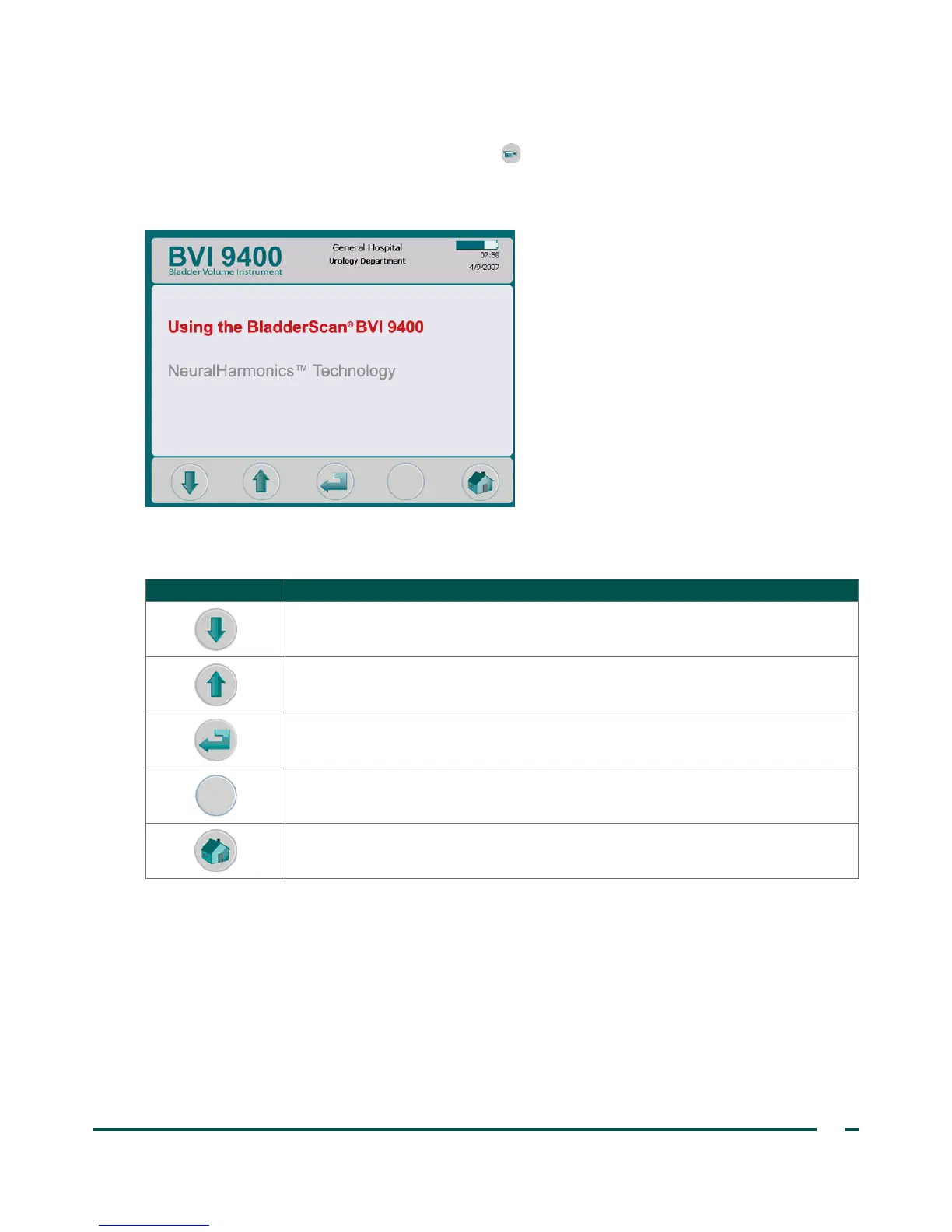
TUTORIAL SCREEN
To open the Tutorial screen, press the Tutorial button from the Home screen. The Tutorial screen
presents a menu of training modules.
Note: When this screen is open, the Scan button on the probe is disabled.
Table 10. Tutorial Screen Button Functions
BUTTON FUNCTION
Move down one title.
Move up one title.
Open the Video Viewing screen for highlighted video.
No function.
Return to the Home screen.



 To Next Page