22
VIDEO VIEWING SCREEN
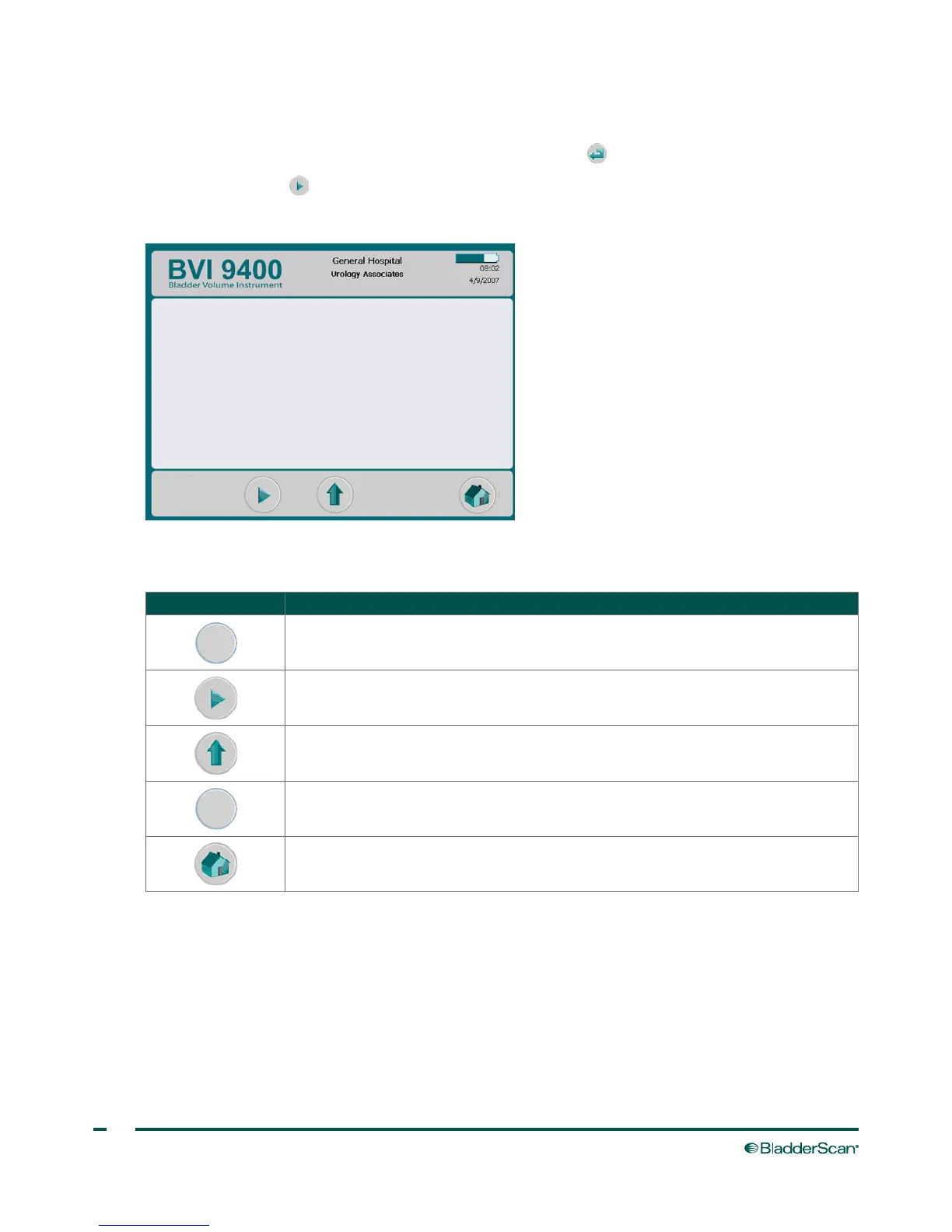
The Video Viewing screen is activated by pushing the Enter button on the Tutorial screen.
Press the Play button to begin the desired tutorial.
Note: When this screen is open, the Scan button on the probe is disabled.
Table 11. Video Viewing Screen Button Functions
BUTTON FUNCTION
No function.
Plays selected video, changes to a pause button when video is playing.
Return to the Tutorial screen.
No function.
Return to the Home screen.



 To Next Page