27
Operations & Maintenance Manual: Introduction
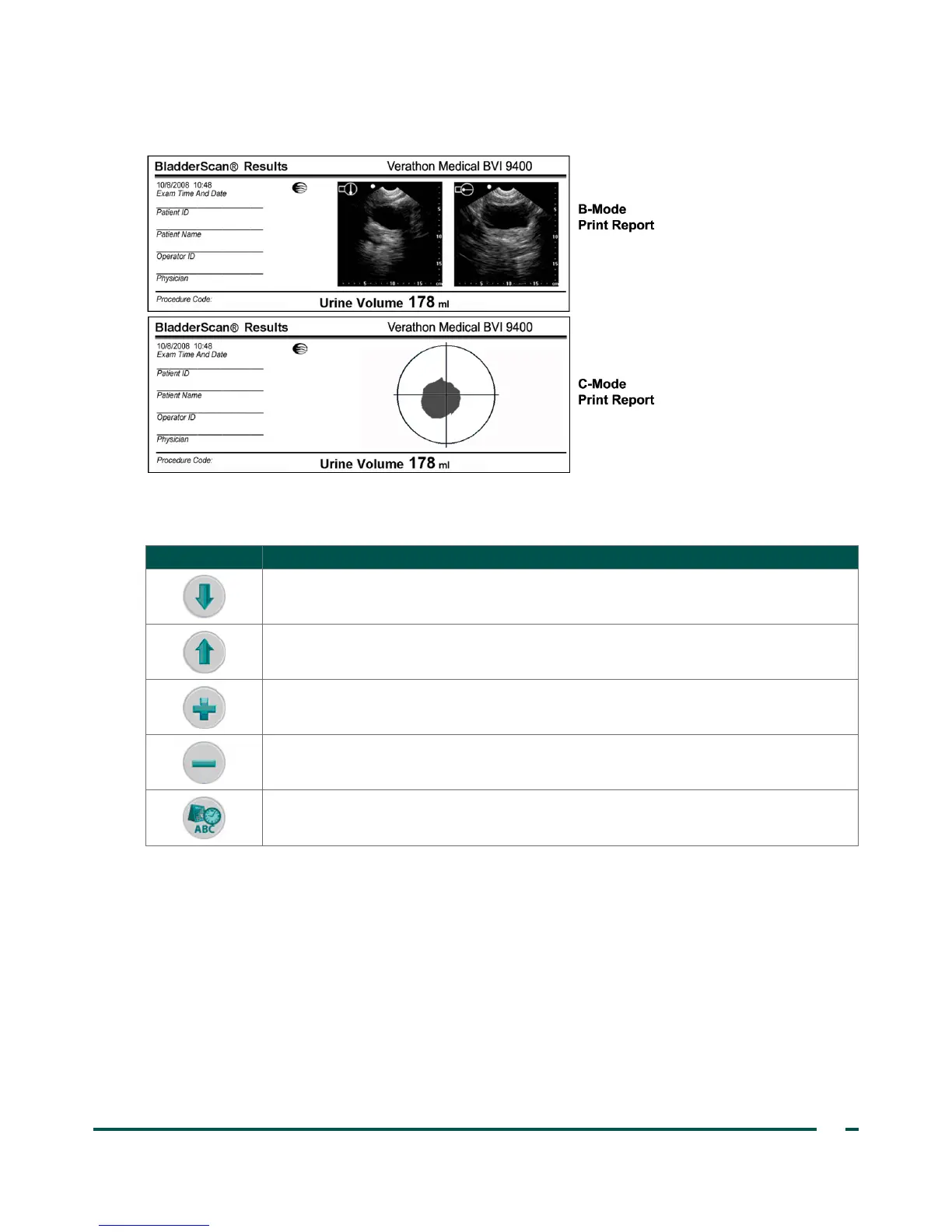
Figure 5. B‑Mode and C‑Mode Print Reports
Table 15. General Preferences Screen Button Functions
BUTTON FUNCTION
Move down a setting in the list.
Move up a setting in the list.
Select the next option. Press and hold to move through options more quickly.
Select the previous option. Press and hold to move through options more quickly.
Save the settings and return to main Settings screen.



 To Next Page