82n
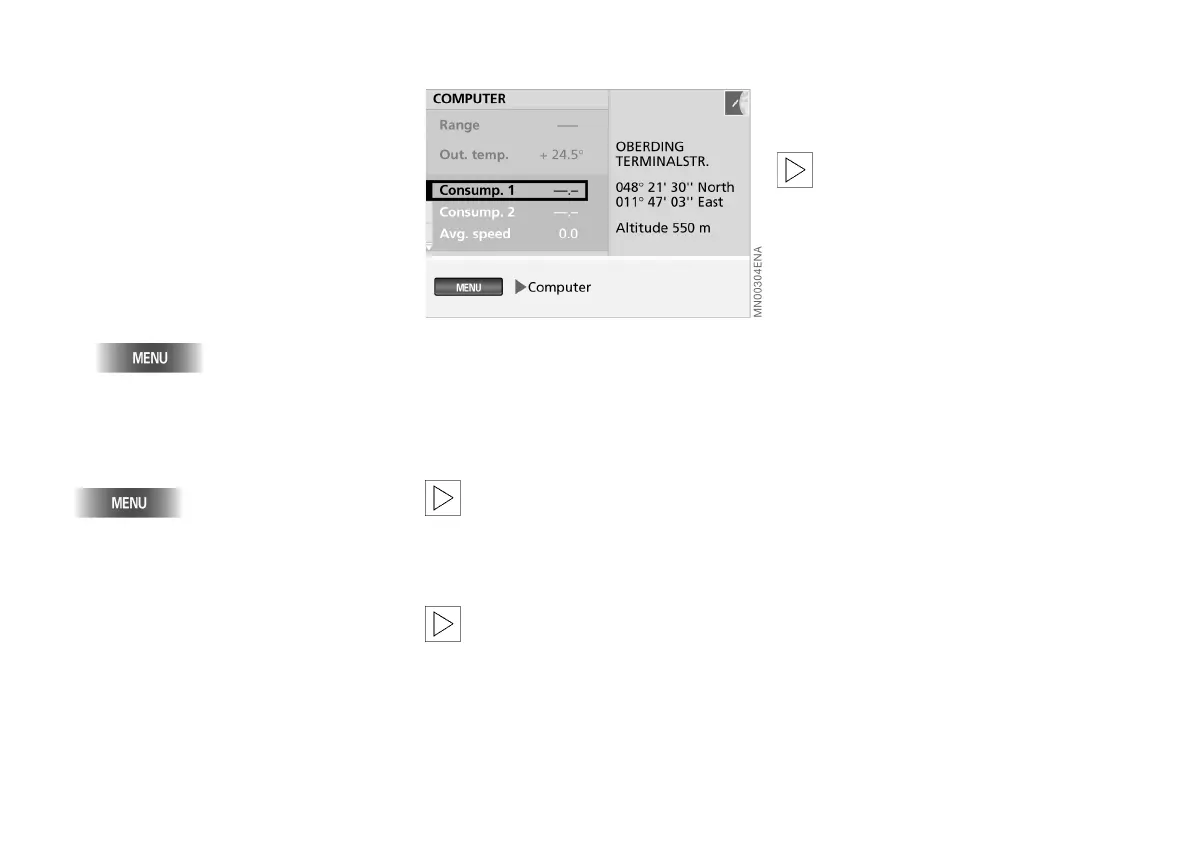
You can call up the following informa-
tion via the computer:
> Range
> Outside temperature
> Time of arrival, see page 83
> Fuel consumption, see page 83
> Average speed, see page 83
> Speed limit, see page 84
> Distance, see page 85
> Stopwatch (timer), see page 86.
1. Call up "MENU"
2. Select "Computer".
To exit from the computer, press the
following button again:
The computer functions described be-
low are called up from this menu.
The "Range" function allows you to call
up the distance which the car should
cover on the remaining fuel in the tank,
on the assumption that the average fuel
consumption will be maintained.
"Range" is purely a display func-
tion; the value that is shown is ex-
pressed in the unit of measurement for
distance that is selected under "Set",
see page 19.<
The computer only registers
amounts in excess of four litres
when you refuel.<
The "Out. temp." function displays the
outside temperature.
"Out. temp." is purely a display
function; the value that is shown is
expressed in the unit of measurement
for temperature that is selected under
"Set", see page 19.<
Starting computer Range Outside temperature
Online Edition for Part No. 01 41 0 156 676 - © 01/02 BMW AG



 To Next Page