When an update package is downloaded successfully, you need to
manually choose whether to update your BOOX.
Before updating, please ensure 20% of battery and enough storage
space.
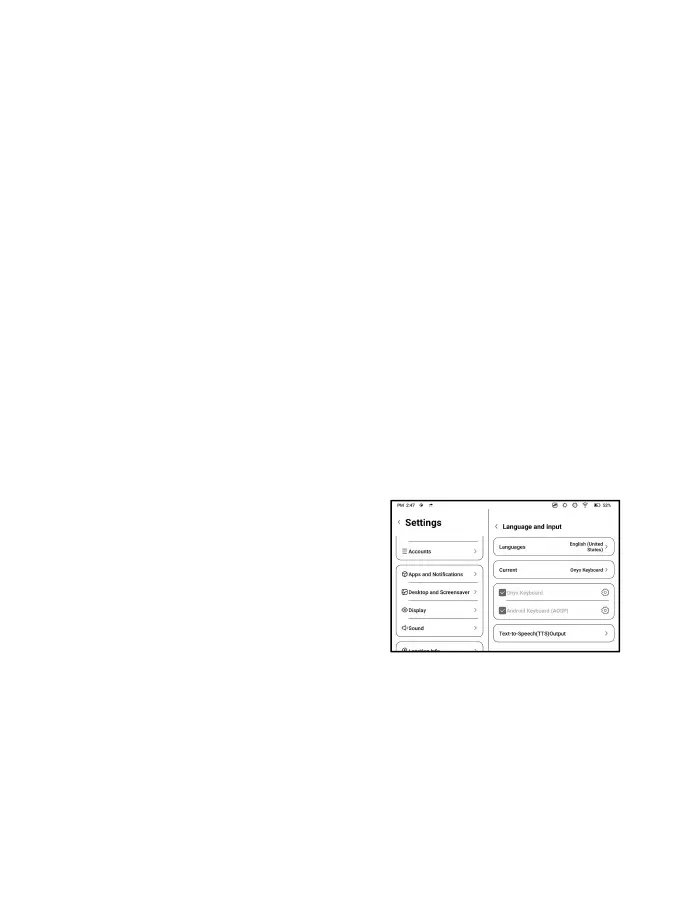
Language and Input
You can set system language,
Keyboard, and Text-to-Speech. Onyx
Keyboard is used by default. You can
install third-party keyboards and
select keyboards here.
ONYX Keyboard
Support keyboard input, handwriting input, and voice input. You



 To Next Page