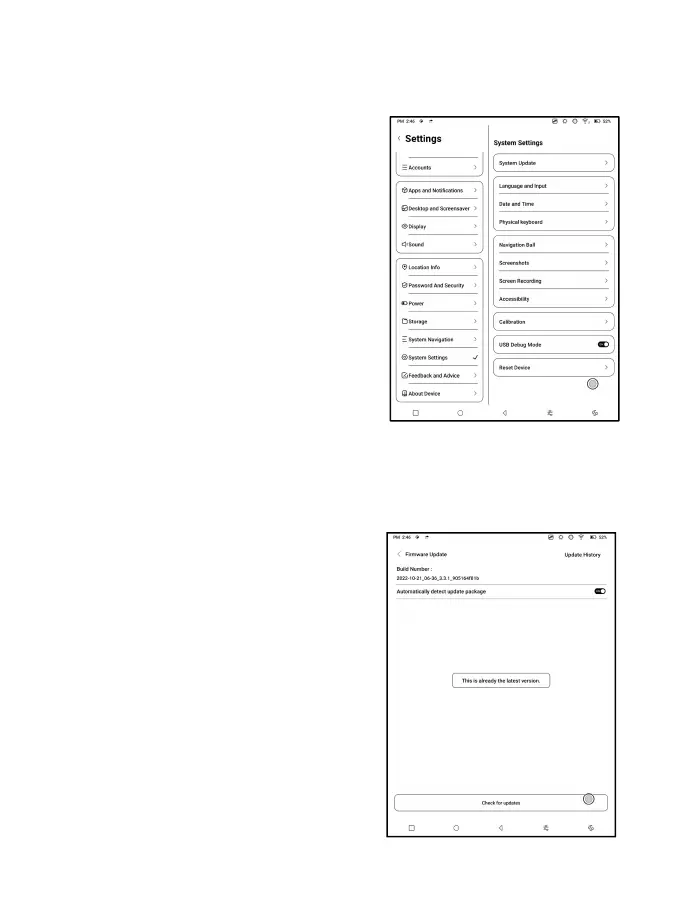
7.13 System Settings
Here includes System Update,
Language and Input, Date and Time,
Navigation Ball, Screenshots,
Screen Recording, Accessibility,
Calibration, USB Debug Mode, and
Reset Device.
System Update
By default the system will check
update package locally first, then
check from cloud. If a firmware
update is detected, it will be
downloaded automatically.
Download can be paused in
progressing, and resumed later.



 To Next Page