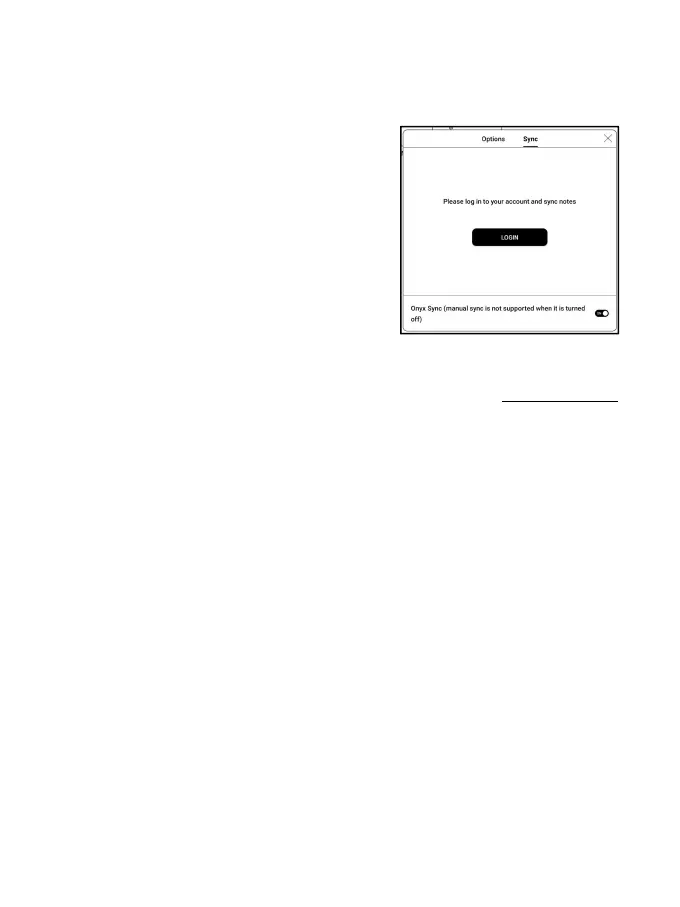
Sync individual notepad
Long press a notepad cover to pop out
Property dialog box for checking
sync status. Tap the Sync icon to
resync if there is a sync issue. You
can turn off the sync function for
individual notepad. You can also
turn off the sync function of all notepads from Sync Settings
in the menu.
Menu
Here includes Create a Folder, Manage in bulk, Sort by, List Mode/
Cover Mode, Sync Settings, Options, and Recycle Bin.



 To Next Page