documents or pictures to your feedback, which will help us
quickly locate the problems.
When the device is turned off, the feedback history will be
cleared. If you do not want the history cleared out, you can go
to Settings to enable “Save logs to local storage before
rebooting the device. This option will collect relevant logs
which will help us to evaluate the issues. We will not disclose
any relevant information of your device. If you have any doubt,
you can untick “Send logs”.
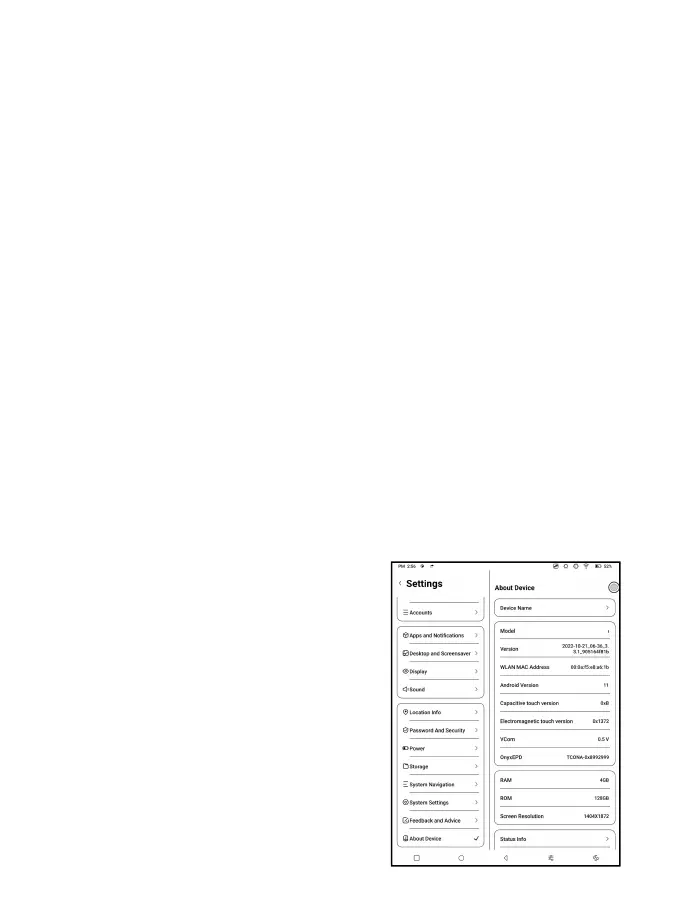
7.15 About Device
This contains device information
such as device model and name,
firmware version, MAC address,
electromagnetic touch version,
capacitive touch version, etc.



 To Next Page