Deep full-refresh is recommended for documents with a lot of
images and darker background to reduce ghosting during reading.
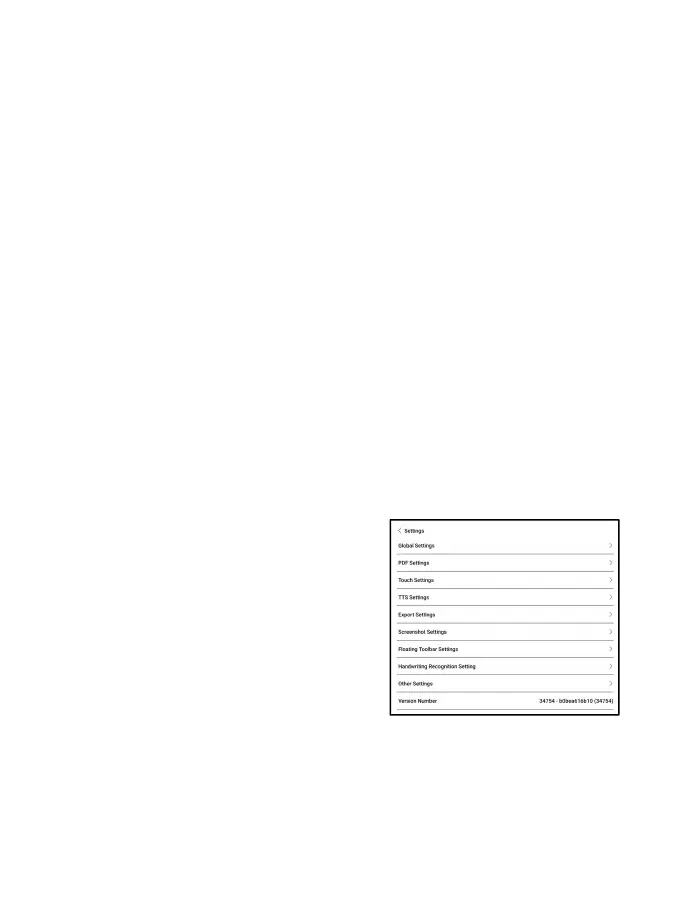
Settings
Tap the hamburger menu on the upper
right corner to go to
reading-related settings such as
Global Settings, PDF Settings,
Touch Settings, TTS Settings,
Export Settings, Screenshot Settings, Floating Toolbar Settings,
Handwriting Recognition Setting, Other Settings, and Version
Number.



 To Next Page