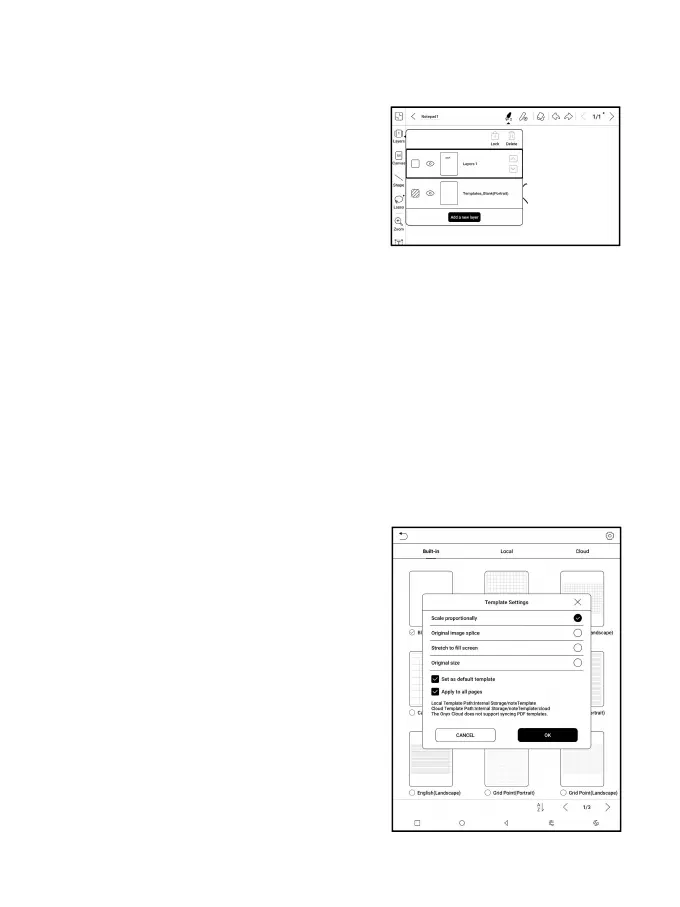
Layers
This supports a template layer and
another 5 custom layers. You can
hide, lock layers and adjust the
layer orders. The hidden layers
will not be shown in an exported document and will not be
recognized by AI Conversion. When a layer is locked, it does not
support any editing.
Templates
A template can only be added to the
Template layer, which cannot be
deleted. Template settings include
Scale proportionally, original
image splice, stretch to fill
screen and original size. You are
recommended to start writing after
determining which template to use



 To Next Page