When a notepad is protected with a password, its cover does not
show a thumbnail view of your notes.
You can long press a notepad cover to pop out Options to add a
lock to the notepad or unlock it.
Notepad Interface
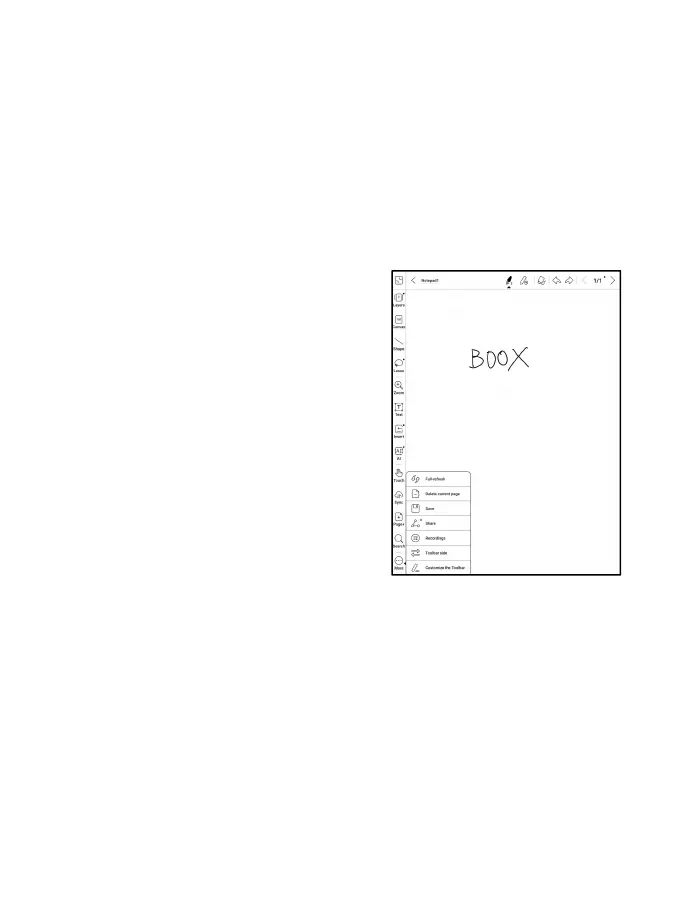
When you exit a notepad, your notes
will be automatically saved. You
can also manually save your notes
while you are still taking notes.
Tapping the page number, you can
choose to jump to other pages.
You can customize the side Toolbar
to your own preference. The toolbar
on the top does not support customization.



 To Next Page