You can restore the backup data, but restoring the backup data
will overwrite the current data. Please perform this carefully.
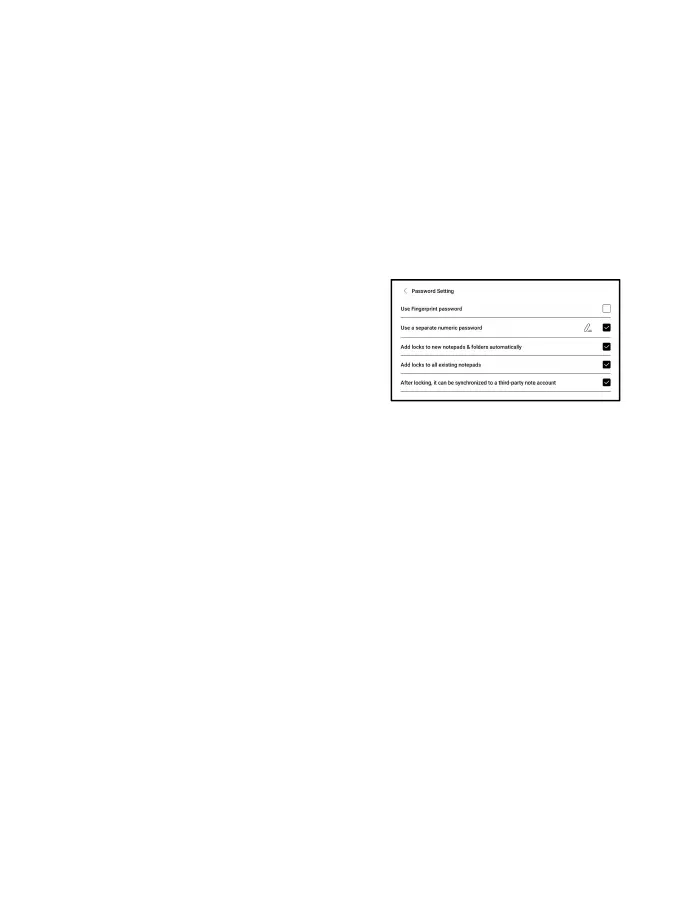
Password Settings
This password is only applicable to
notepads in the Notes app. The
password does not follow notepads.
Individual notepads cannot have
separate passwords.
When a password is set, it is applicable to all notepads. You
can remove the password for individual notepads and also lock
the notepad with the set password again.
When using a separate numeric password, you can choose to add
locks to new notepads automatically. If you untick this option,
the newly created notepad will not be locked with the set password.
You need to add the lock manually.



 To Next Page