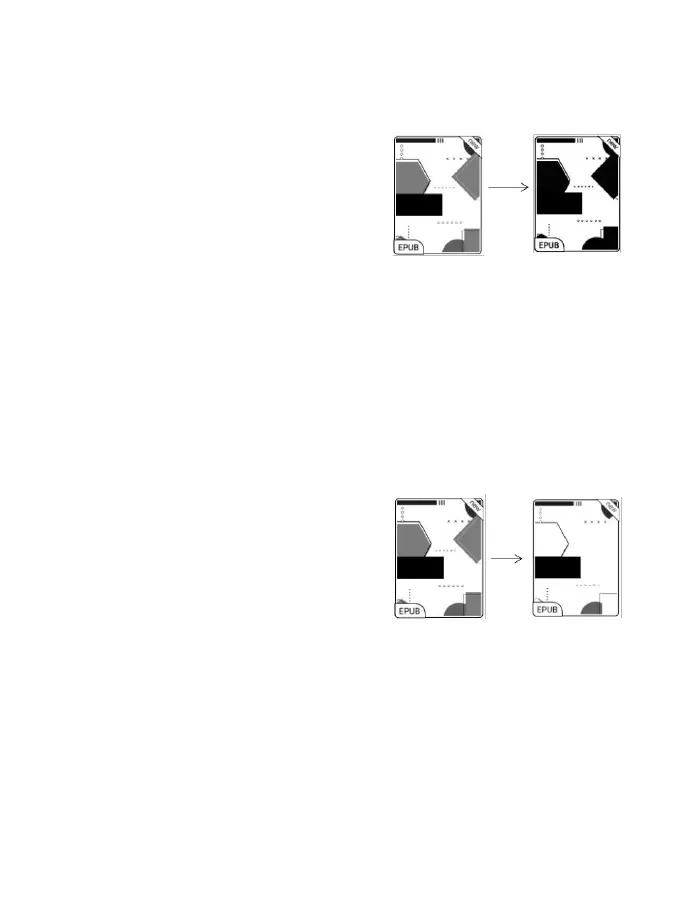
Dark Color Enhancement
This function turns darker colors to
black and is generally used for
enhancing foreground colors, or
light-colored pages, such as colorful icons, and low-quality
scanned PDFs.
Light Color Filter
This function turns light page
colors to white and is normally used
to whiten the background colors.
More Settings
Customize more optimization settings for a better user
experience by going to E Ink Center/ App Optimization or



 To Next Page