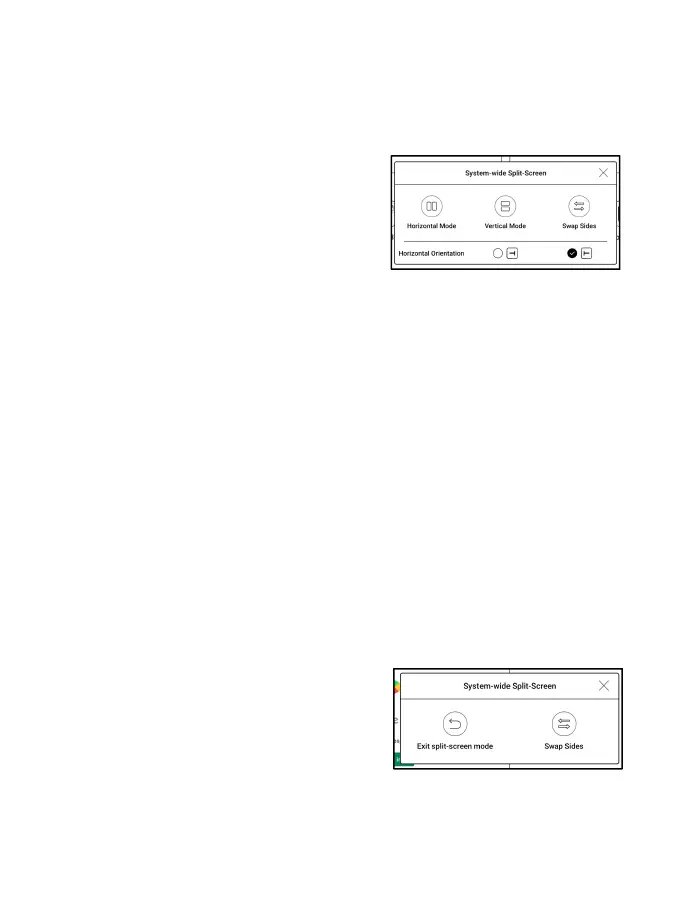
5.3 Split Screen
When an app is open, choose Split
Screen from Control Center to
initiate the function. The Split
Screen supports docs, Notes, and
other apps. The Split Screen cannot be initiated from system
interface.
Note: Whether an app support Split Screen is subject to the app
itself. If the app does not support Split Screen, please get in
touch with the developer.
In Split-Screen mode, the newly
opened app is the secondary screen.
You can choose to swap sides and exit
the Split Screen mode.



 To Next Page