V2 Engine
Some free-flow formats such as ePub\Mobi\azw3\txt\word\jeb\html
use V2 Engine by default. You can go to reading Settings / Other
settings to change to NeoReader.
V2 Engine supports the original layout of the document, including
font, line spacing, margin, graphic typesetting, indentation,
etc. When being switched to V2 Engine, the document will be closed
automatically. Next time when you open the document again, V2
Engine will be used. If you want to switch to NeoReader, you can
disable V2 Engine and reopen the document.
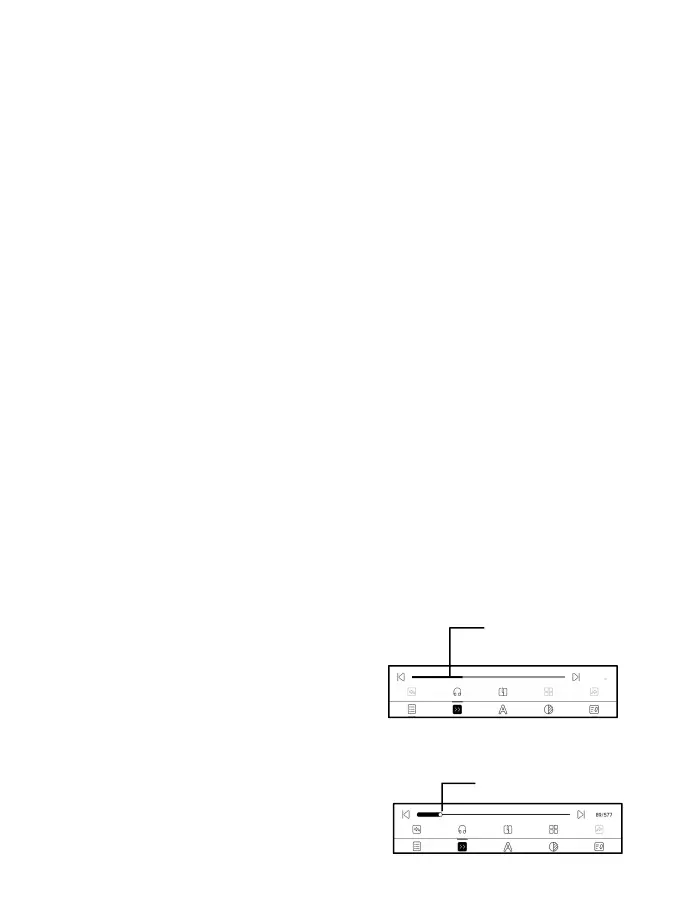
Progress
The document needs to be paginated
again after switched to V2 engine or
font and spacing adjusted. You can
check the pagination progress in



 To Next Page