will be automatically synced to the app when you close a notepad.
The 3rd -party app sync is one-way export. You can export your
notes in PDF or PNG to a 3rd-party app, but you cannot sync the
notes back to your BOOX. No need to log in to your Onyx account.
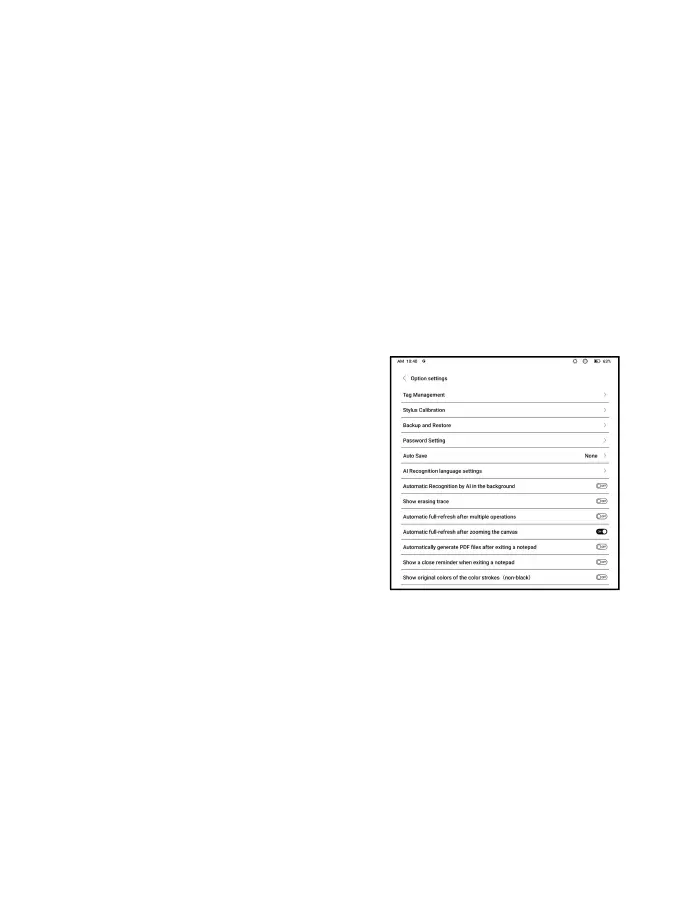
Options
This covers general settings for
notes, including Stylus
Calibration, Backup and Restore, AI
Recognition language settings,
Password Settings, Show erasing
trace…etc.
Backup and Restore
You can back up and restore your notes locally. Cloud backup is
not supported.



 To Next Page