status. Tidy up apps on the screen, add widgets to desktop, and
manage desktop settings.
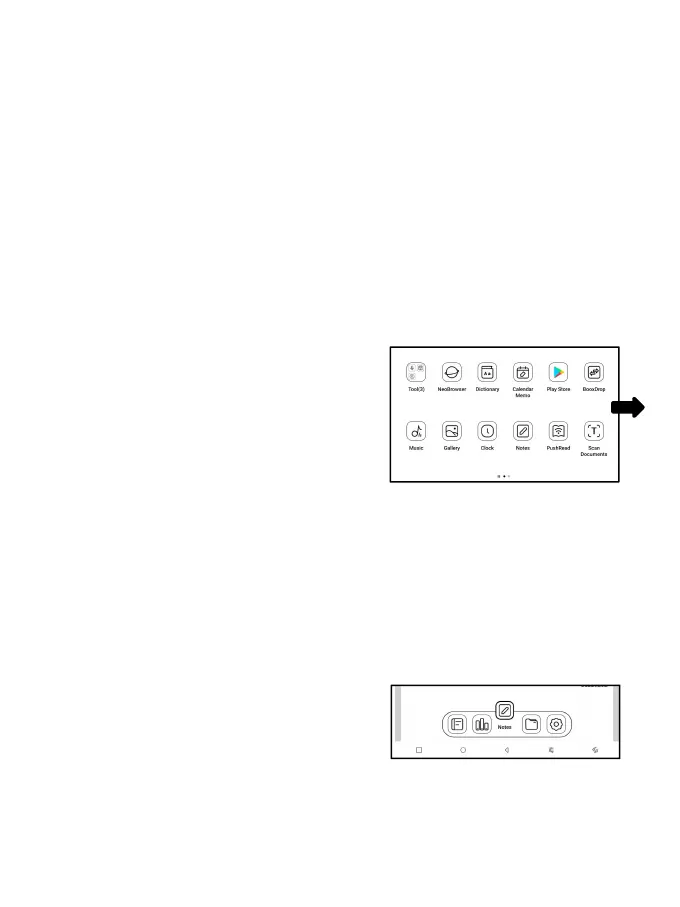
Add Desktops
After the current desktop is full,
a second desktop will be
automatically added when a new app
is installed. You can also long
press and drag any icon to the next page manually.
Favorite Apps
Long press an app to drag, add, and
remove. Up to 6 apps can be added.



 To Next Page