to avoid notes misplace if you change the template after you start
writing.
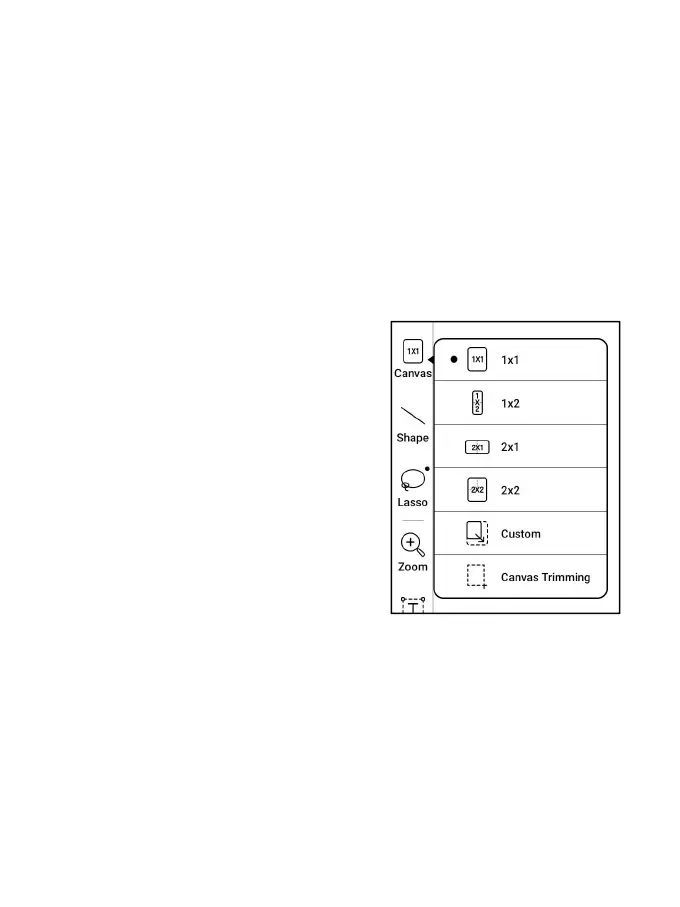
Canvas
The default canvas size is 1x1, the
same as the screen size. You can
adjust the canvas size to 1x2, 2x1,
or 2x2(max), or customize the
canvas size by dragging the canvas.
Using the upper left corner as the
base, you can extend the canvas by dragging the canvas left or
downwards. When you switch from a big canvas to a small canvas,
your handwriting outside the canvas area will not be displayed
but will be kept.



 To Next Page