When you switch to the big canvas, you can see the hidden notes
again. Canvas Trimming is to automatically crop the blank part
of the canvas by the stroke on the edge of the visible layer.
Fit Canvas and Fit Screen
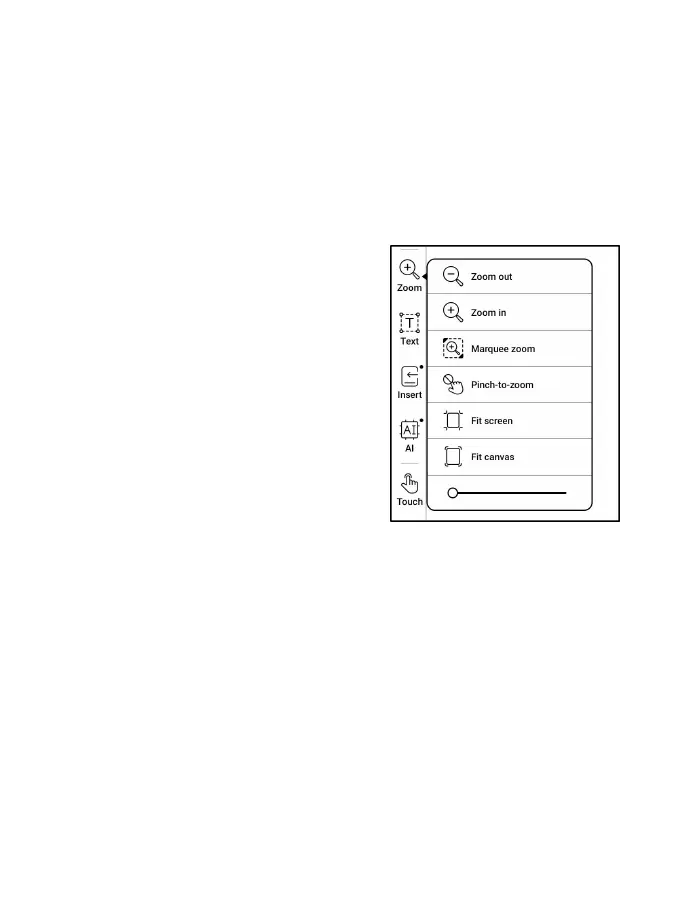
When the canvas size is larger than
1x1, you can choose Fit screen or
Fit canvas under Zoom in the toolbar
to view your notes.
Fit canvas
The canvas will automatically
expand to fill the screen. When it is larger than the screen,
you can long-press the canvas and drag it to view hidden notes.
Fit screen
The canvas is zoomed out to fit the whole screen. The grey area
is not writable.



 To Next Page