Mode, which automatically scans all supported files under
specified saving paths. Tap the icon to switch to Directory Mode,
which displays all supporting documents according to the
directory structure in the Storage.
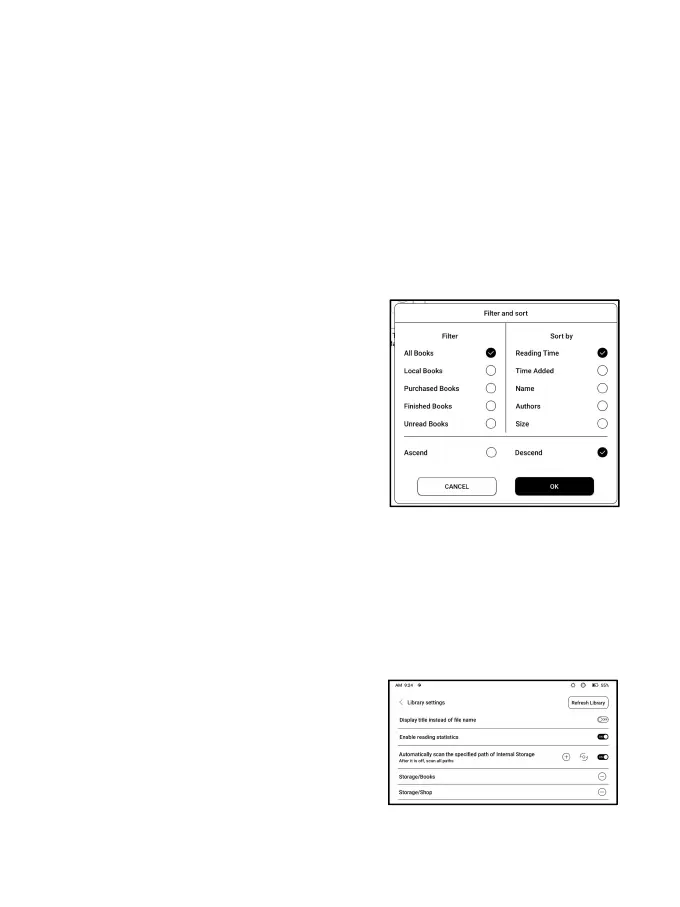
Filter and sort
Apply to all eBooks by default and
sort by the recent reading time in
descending order;
Library Settings
You can choose to display title
instead of file name,
enable/disable reading statistics,
or choose scan path. The default



 To Next Page