4.Quick Start
4.1 Power On
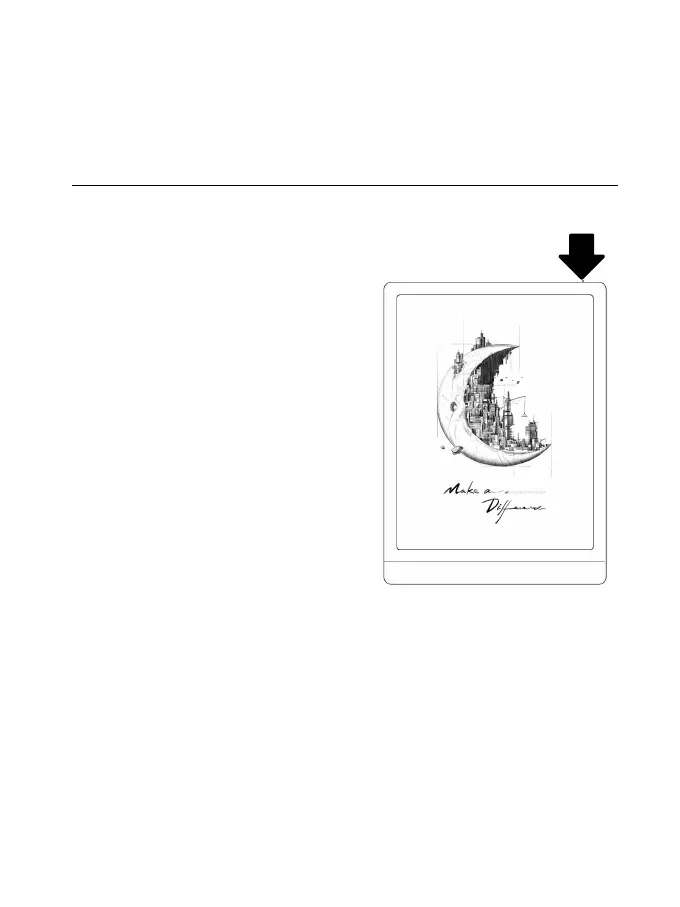
Press and hold the power button for
2-3 seconds. When the indicator
lights up, it goes into the startup
interface. Wait until it goes into
the Home Screen.
Note: If you cannot turn the device
on, please charge it for 20 minutes first, then restart.
Initial Setup
Please follow steps to complete the initial setup, including
System language, Power, Navigation Bar Settings, etc. The



 To Next Page