group for the first-time adding RSS subscription source so that
the subscription source can be added to the relevant group.
The webpages in PushRead requires internet to load for the first
time. After being loaded, it can be read offline.
The default layout is Web Mode (the original webpage’s layout).
Tap the center of the screen to bring out the menu where you can
switch to Reading Mode, change font size, and fully refresh the
screen.
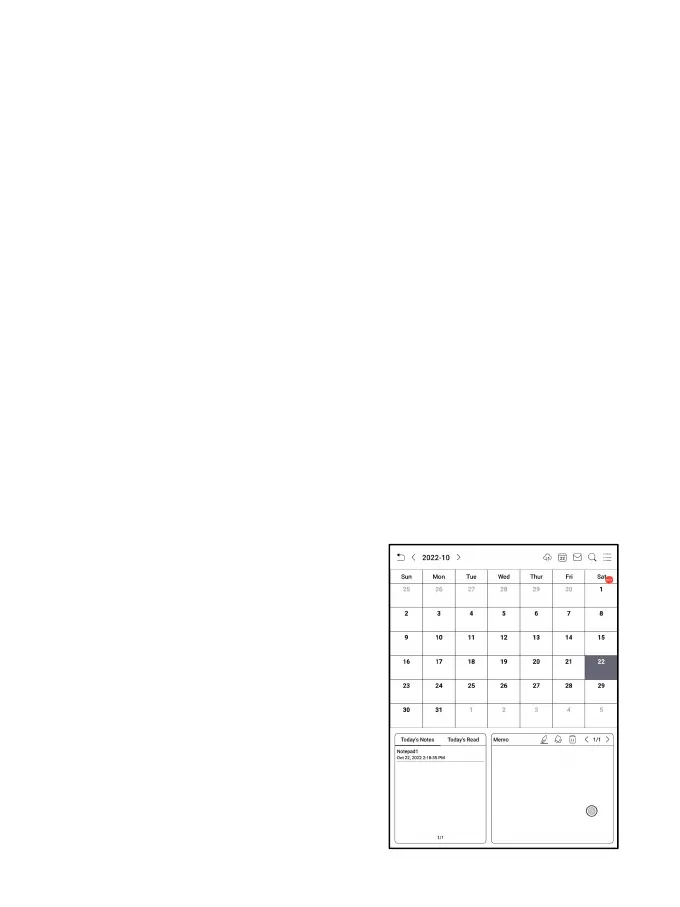
6.10 Calendar Memo
In Calendar Memo, it shows Today’
s Notes and Today’s Read. Tap to
open notes or books. You can add
memo to each day and set the memo as
screensaver. Please refer to
Screensaver / Calendar Screensaver
for settings. Currently, the



 To Next Page