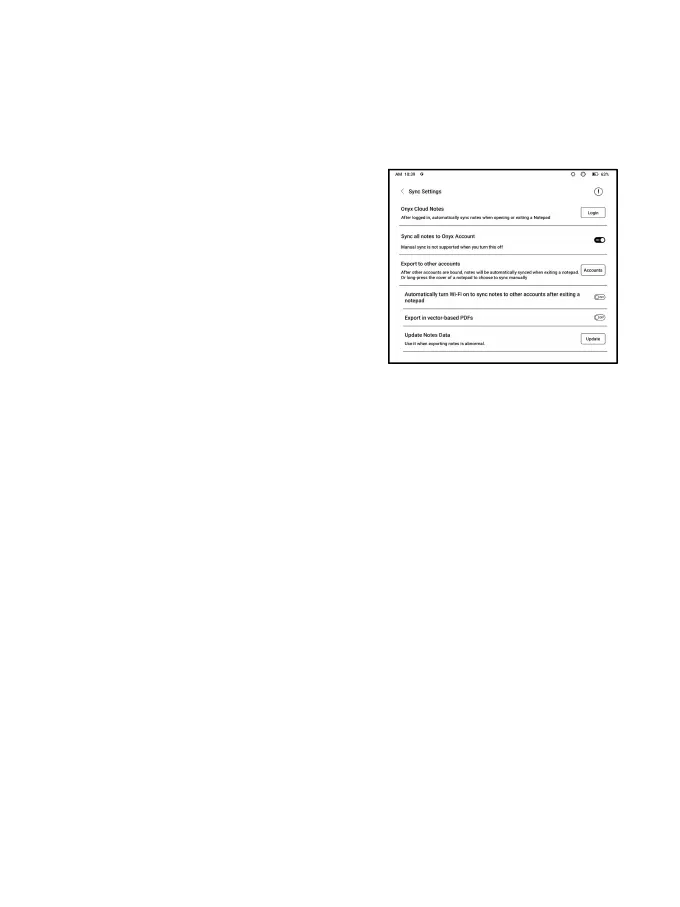
Sync Settings
ONYX Cloud Sync
After you log in to Onyx account,
the notes will be automatically
synced to Onyx Cloud when you open
and close a notepad.
Or you can tap the Sync icon on the Toolbar to manually sync notes.
If you do not want the sync function. You can turn it off from
Sync Settings.
Sync to other accounts (export)
After you bind a third-party sync app to your BOOX, the notes



 To Next Page