scan path is: Books and shop in Storage. You can customize the
scan path and choose to auto-scan the specified path.
Note: In the following case, some documents will be removed from
the Library after the Library is refreshed. You can check the
source files from the saving path.
1. Documents opened directly from other non-scanning path in
Storage.
2. Documents that are not in the default scan path after the
default scan path is modified.
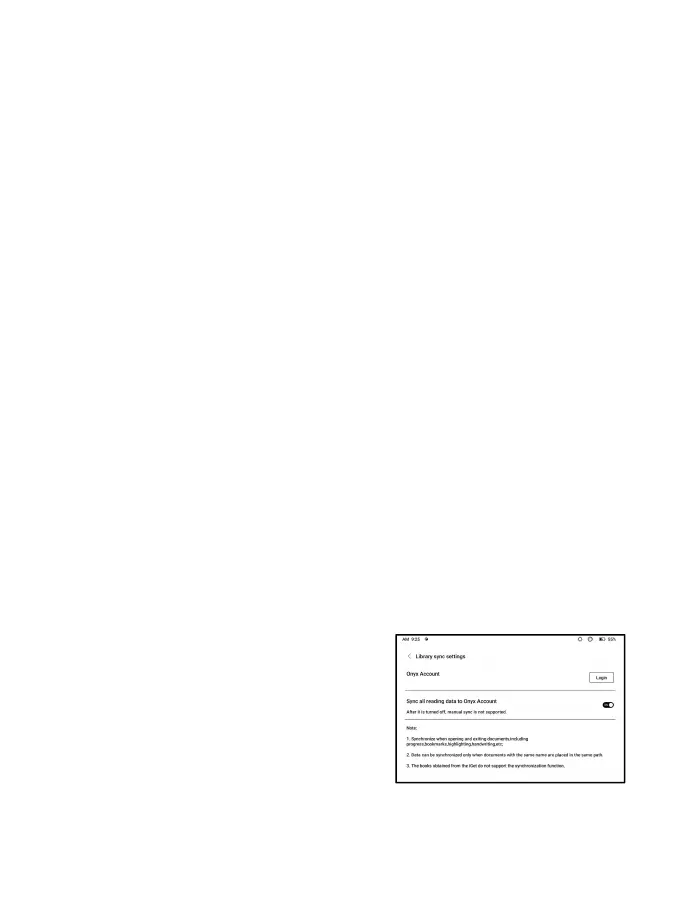
Sync settings
You can sync reading progress and
data across devices via Onyx Cloud.
The feature is on by default. If you
do not want to sync your reading data
of all documents, you can turn this feature off.



 To Next Page