If you do not want to sync the reading data of some documents,
long press their book covers to go to Sync Settings, and turn
their sync off individually.
Note: Currently, only reading data can be synced to the Cloud.
The source document cannot be synced to the Cloud. You need to
add documents to the same path on different devices for the sync.
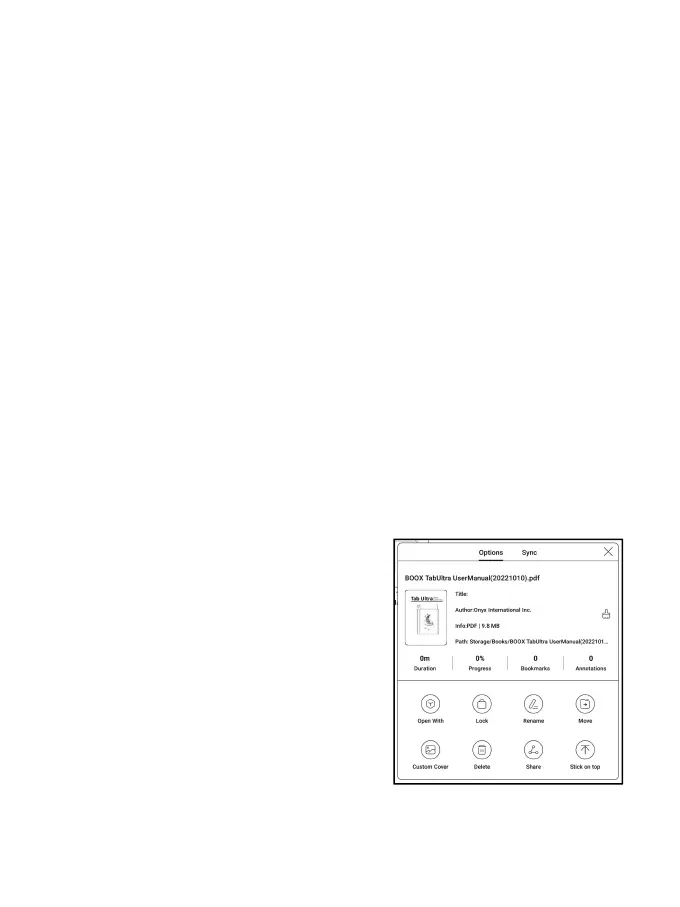
Book Property
Long press a book cover to check
book-related information,
including title, author, format,
size, reading progress, book
details, Open with, Lock, Rename,
Move, Custom Cover, Delete and
Share.



 To Next Page