Saving path: tap the saving path to jump to the actual saving
location.
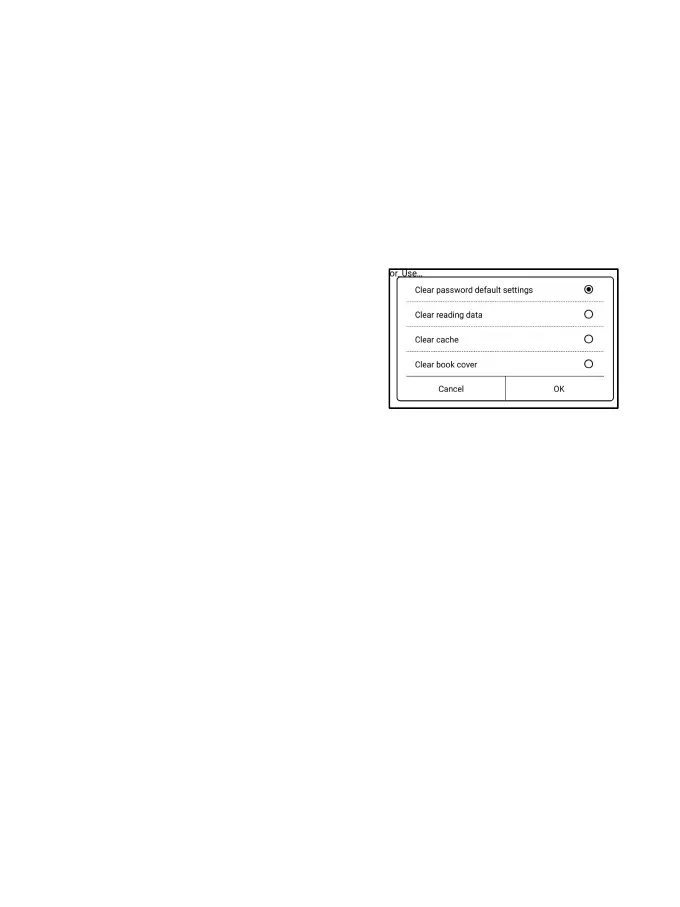
Clear settings
You can clear password, reading
data, cache, and book cover.
Clear password default settings
Only clear the default settings of locked documents or documents
with their own passwords, and will not clear the relevant
passwords.
Clear reading data
All personal data of the selected book will be cleared. The data
cannot be recovered after being cleared.
Please perform this action carefully!



 To Next Page