recommended to use this setting together with text enhancement
and Icon Colors. Otherwise, the text and small icons on the
background will not be visible.
Icon Color
Generally, this is to darken the colors of some small colorful
icons in the menu.
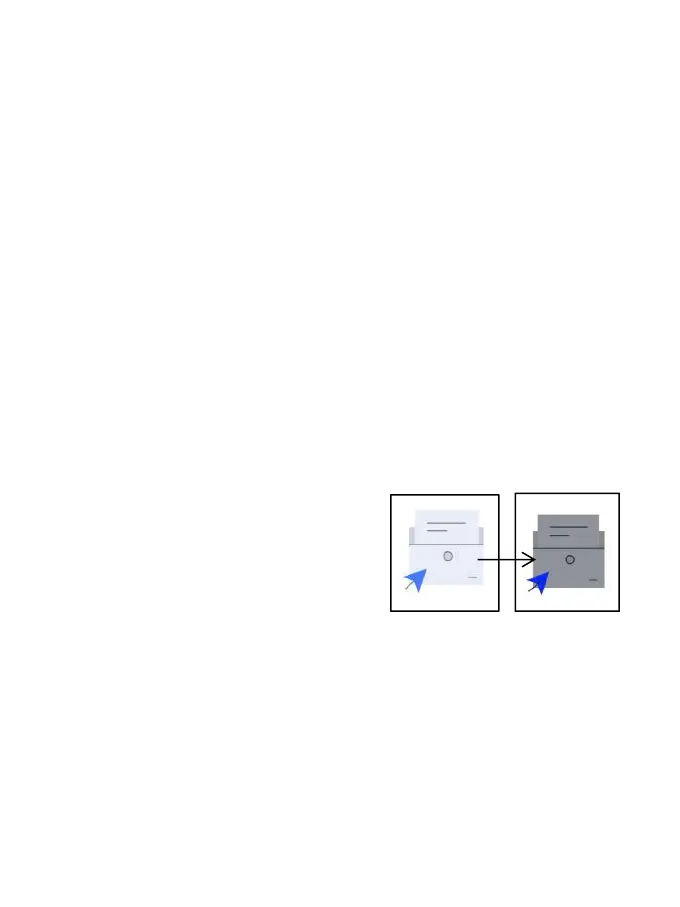
Cover Color
Generally, this is to darken the
colors of large cover-style icons.
Webpage Text Size
This is for the embedded WebView interface. When the DPI
adjustment is invalid, you can try to adjust the font size of
the webpage



 To Next Page