Setting to enable it.
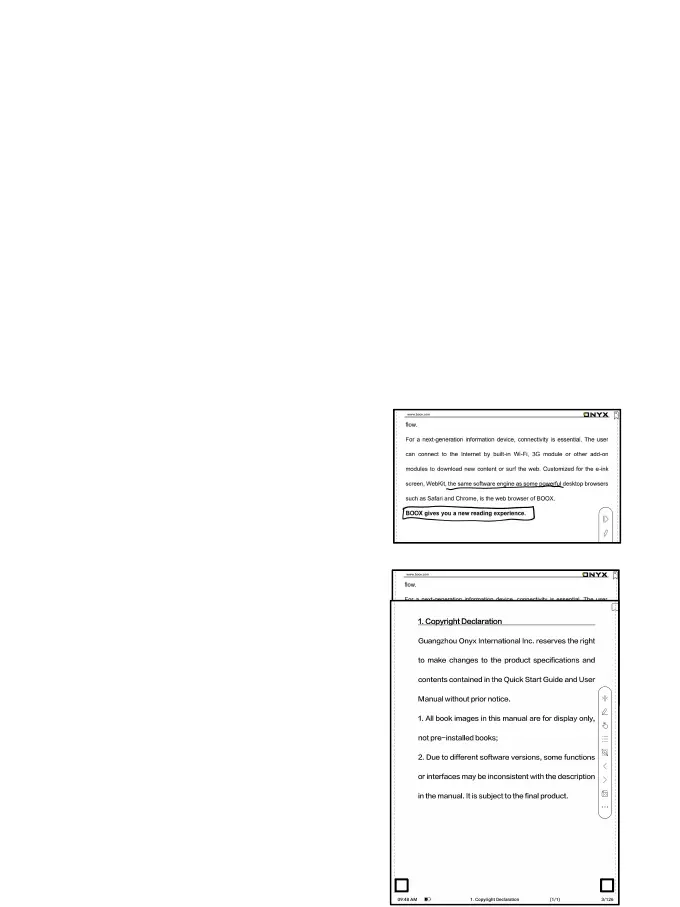
For handwritten notes and drawn shapes, double-tap onto the
handwriting, which will be converted to printed text and standard
shapes.
The handwritten notes and drawn
shapes within 0.5cm and straight
lines within 0.3cm will be deemed
one recognition content area.
Distance further than above will be
deemed different recognition
content areas.
Tap lower left and right corners on



 To Next Page