Connection
19 inch Units
Optical network
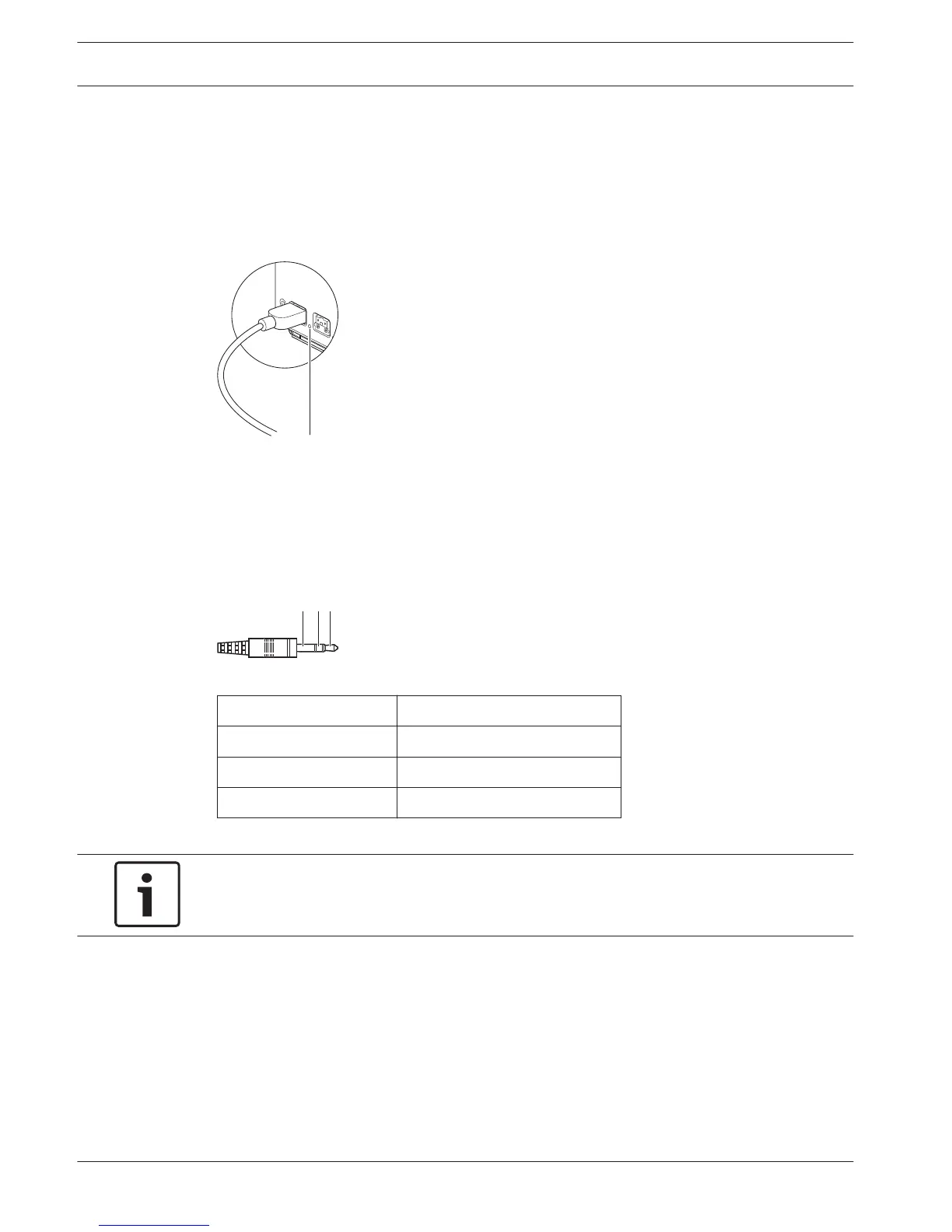
Connect the trunk of the optical network to the optical network sockets of the 19 inch unit
with optical network cables.
Figure 6.1: Optical network
The optical network socket of the central control unit has a red LED that comes on if there is
an overload.
Headphones
You can connect headphones to the headphones socket of the audio expander. The
headphones must have a 3.5 mm plug.
Figure 6.2: 3.5 mm headphones plug, connection
Number
Signal
1 Left
2 Common
3 Right
Table 6.1: 3.5 mm headphones plug, connection
Notice!
You can also connect mono headphones to the headphones socket.
You can select the signal that is available on the headphones socket with the configuration
menu (refer to DCN-CCU2 and DCN-CCUB2 Central Control Units, page 231 > Monitoring).
6
6.1
112 en | Connection Conference System
2013.11 | V2.0 | DCN-NG_OM_V4.x Operation Manual Bosch Security Systems B.V.















 To Next Page