DCN-DDI Dual Delegate Interface
Connect the dual delegate interface to the DCN with the DCN cable. You can use the DCN
socket to make a loop-through with the dual delegate interface.
Notice!
The power consumption of 4.5 W includes the power consumption of all flush-mounted
devices that you can connect to the dual delegate interface. These are:
• DCN-FLSP
• DCN-FMIC
• DCN-FMICB
• DCN-FPRIOB
• DCN-FV
• DCN-FVCRD
Audio outputs
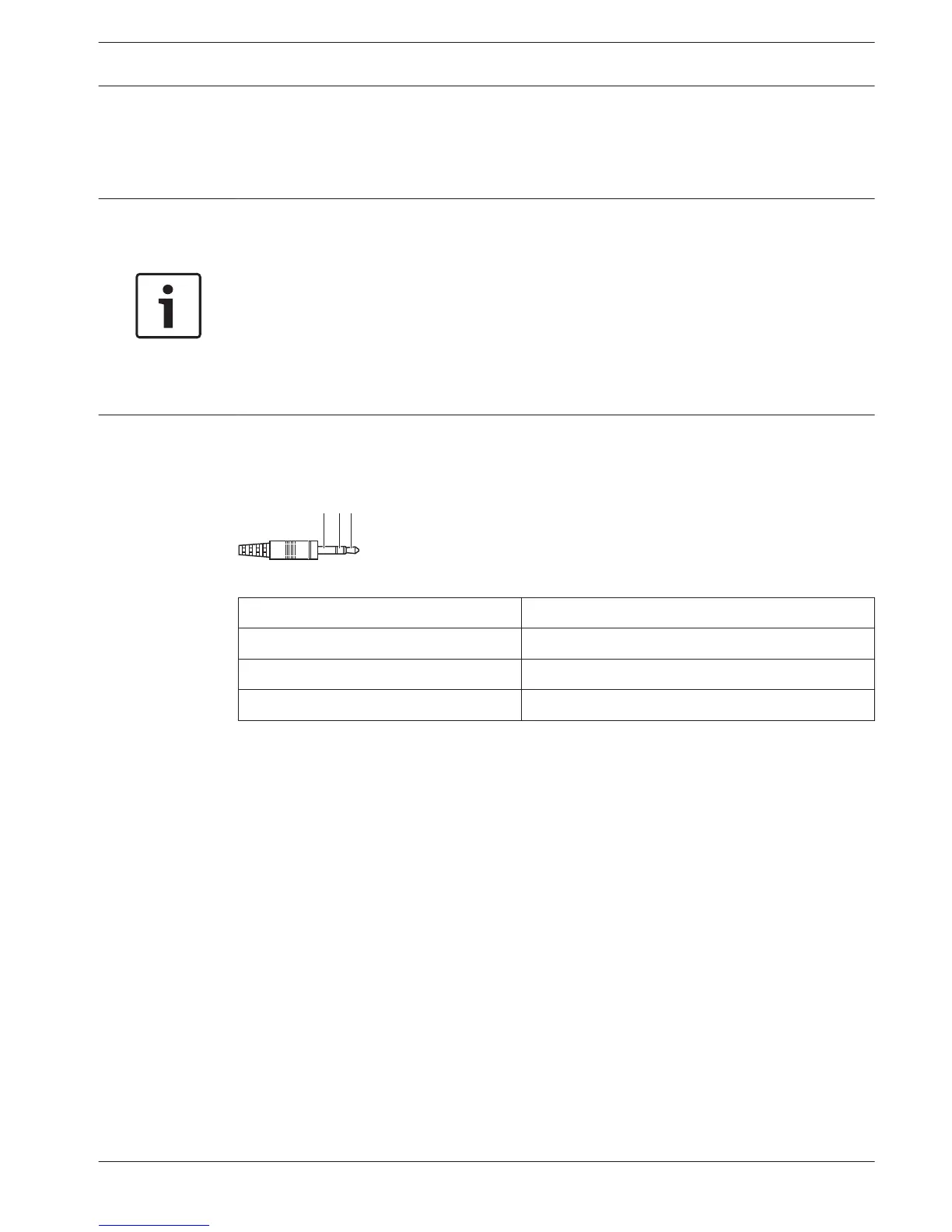
You can connect loudspeakers to the audio outputs of the dual delegate interface. The
loudspeakers must have 3.5 mm plugs.
Figure 6.30: 3.5 mm loudspeaker plug, connection
Number Signal
1 +
2 Not used
3 -
Table 6.18: 3.5 mm loudspeaker plug, connection
Typically, you will connect DCN-FLSP Loudspeaker Panels (refer to DCN-FLSP Loudspeaker
Panel, page 42) to the audio outputs.
Intercom outputs
You can connect an DCN-ICHS Intercom Handset to the dual delegate interface. The intercom
handset must be connected to the intercom socket.
Voting/Control inputs
You can use the voting/control inputs to connect these devices to the dual delegate interface:
– DCN-FMICB Microphone Control Panel.
– DCN-FPRIOB Priority Panel.DCN-FV(CRD) Voting Panel.
Audio inputs
You can connect microphone or line level signals to the audio inputs of the dual delegate
interface. The audio inputs have DIN-8p-262° sockets.
6.12
Conference System Connection | en 133
Bosch Security Systems B.V. Operation Manual 2013.11 | V2.0 | DCN-NG_OM_V4.x















 To Next Page