DCN-FVU Voting Unit
Use the DCN cable with the DCN plug to connect the voting unit to the DCN. You can use the
cable with the DCN socket to make a loop-through with the voting unit.
Notice!
When you do not make a loop-through with the voting unit, connect an LBB4118/00 Cable
Termination Plug to the DCN cable with the DCN socket. If you do not connect a cable
termination plug, the system can operate incorrectly.
External contact
Refer to DCN-FV(CRD) Voting Panel, page 135 for information about the external contact of the
voting unit. The external contacts of the voting panel and the voting unit are the same.
DCN-IDESK Interpreter Desks
Connect the interpreter desk to the DCN with the DCN cable. You can use the DCN socket to
make a loop-through with the interpreter desk.
Headset
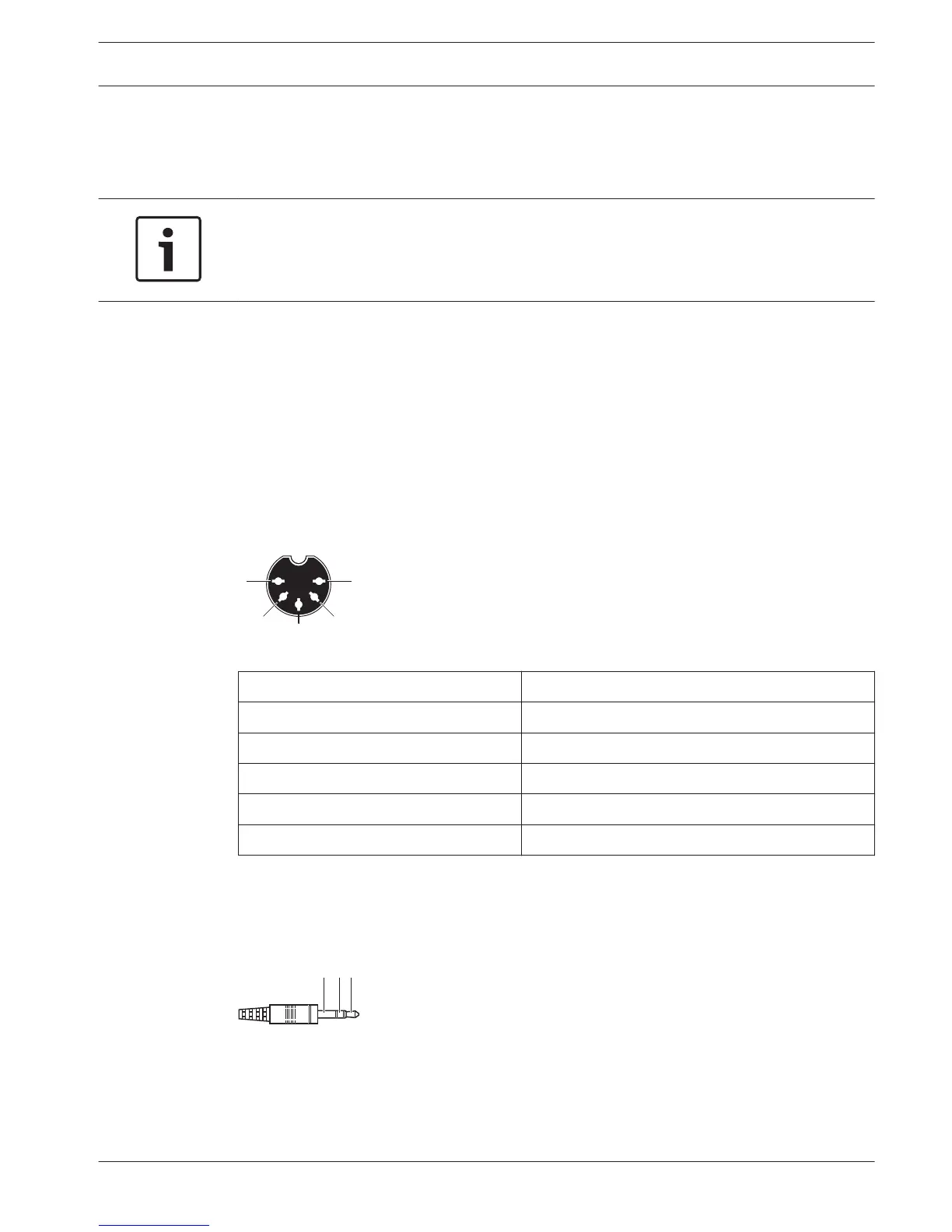
You can connect a headset to the headset socket of the interpreter desk. The headset socket
(refer to DCN-IDESK Interpreter Desks, page 50) must be IEC 268-11 compliant with a 5-pole
180° DIN plug.
Figure 6.40: Headset socket, connection
Pin
Signal
1 Microphone supply
2 Microphone in
3 Headphones out, left
4 Headphones common
5 Headphones out, right
Table 6.26: Headset socket, connection
Headphones
You can connect headphones to the headphones sockets of the interpreter desk. The
headphones must have a 3.5 mm plug or a 6.3 mm plug.
Figure 6.41: 3.5 mm headphones plug, connection
6.19
6.20
Conference System Connection | en 141
Bosch Security Systems B.V. Operation Manual 2013.11 | V2.0 | DCN-NG_OM_V4.x















 To Next Page