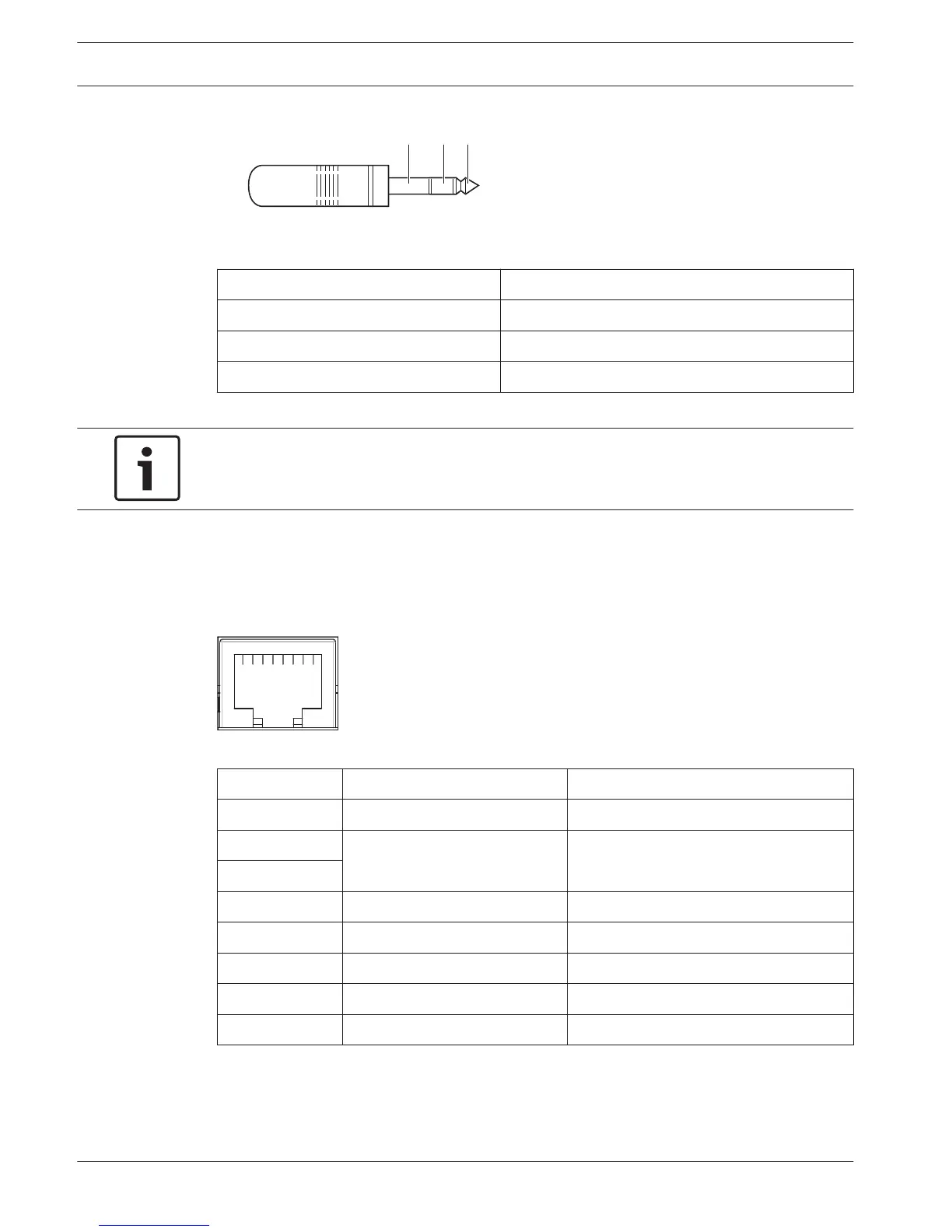
Figure 6.42: 6.3 mm headphones plug, connection
Number Signal
1 Left
2 Common
3 Right
Table 6.27: Headphones plug, connection
Notice!
You can also connect mono headphones to the interpreter desk.
External devices
You can use the external devices socket to connect:
– A booth-on-air indicator to the interpreter desk. An external intercom system to the
intercom LED of the interpreter desk. An external telephone system to the telephone LED
of the interpreter desk.
Figure 6.43: External devices socket, connection
Pin
Function Description
1 --- ---
2 Booth-on-air Pin 2 and 3 are closed when booth-on-
air.
3
4 --- ---
5 Telephone Positive in
6 Telephone Negative in
7 Intercom Positive in
8 Intercom Negative in
Table 6.28: External devices socket, connection
Contact rating for the booth-on-air contact:
– 24 V/1 A potential free contact.
– Galvanic separated.
142 en | Connection Conference System
2013.11 | V2.0 | DCN-NG_OM_V4.x Operation Manual Bosch Security Systems B.V.















 To Next Page