DCN-DDB Data Distribution Board
Use the DCN cable to connect the data distribution board to the DCN. You cannot make a
loop-through in the DCN with the data distribution board.
Notice!
You connect the data distribution board to the DCN with a trunk splitter (LBB4114/00,
LBB4115/00) to bypass the data distribution board.
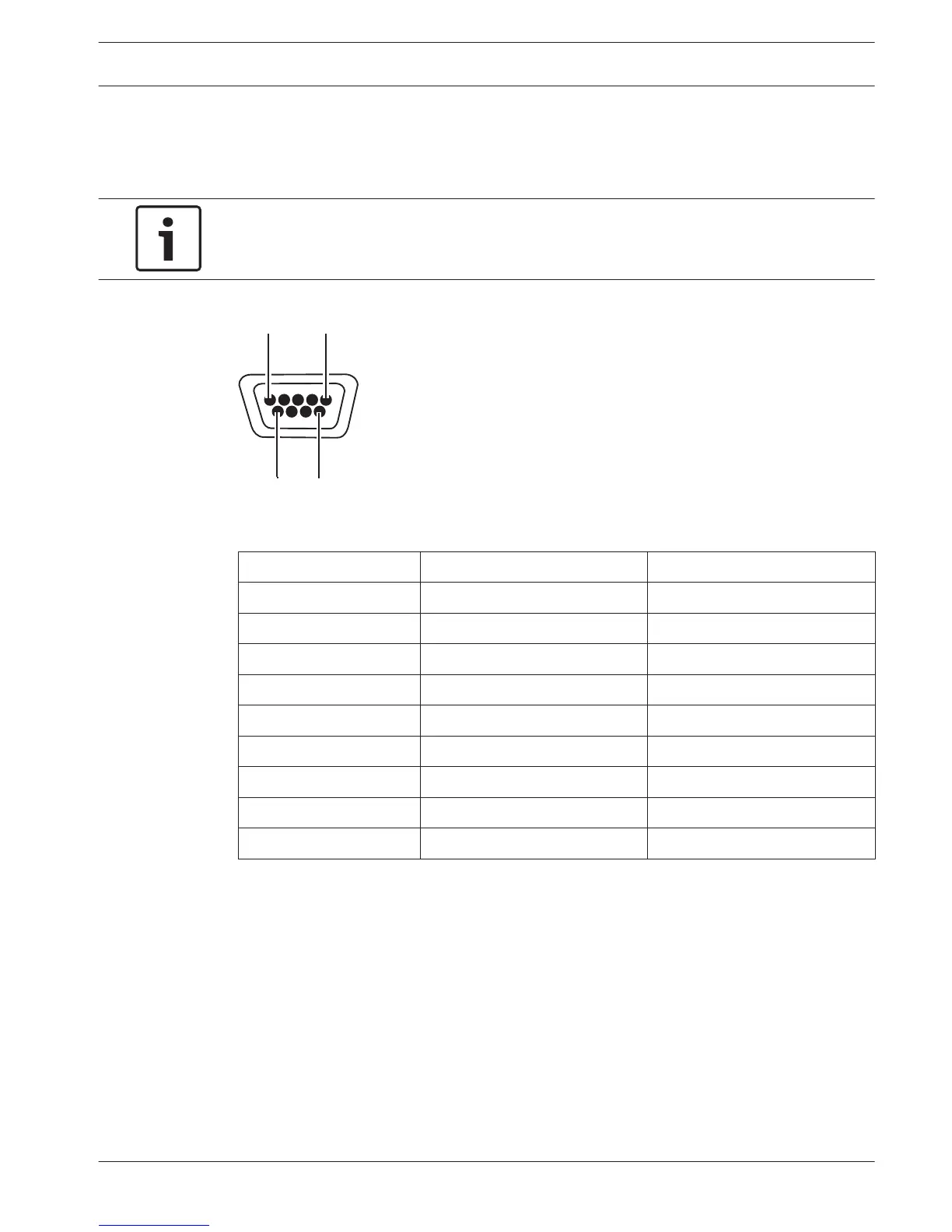
Figure 6.55: RS232 port, connection
Pin
Definition Description
1 --- Not connected
2 RxD Receive Data
3 TxD Transmit Data
4 --- Not connected
5 SG Signal Ground
6 --- Not connected
7 RTS Request To Send
8 CTS Clear To Send
9 --- Not connected
Table 6.32: RS232 port, connection
Speak slowly signaling
The interpreter desks (refer to DCN-IDESK Interpreter Desks, page 50) have a speak slowly
button. With this button, the interpreters can activate an indicator that tells the current
speaker to speak slowly. This function of the interpreter desk must always be used along with
the data distribution board. Refer to the figure for the physical connections.
6.26
Conference System Connection | en 151
Bosch Security Systems B.V. Operation Manual 2013.11 | V2.0 | DCN-NG_OM_V4.x















 To Next Page