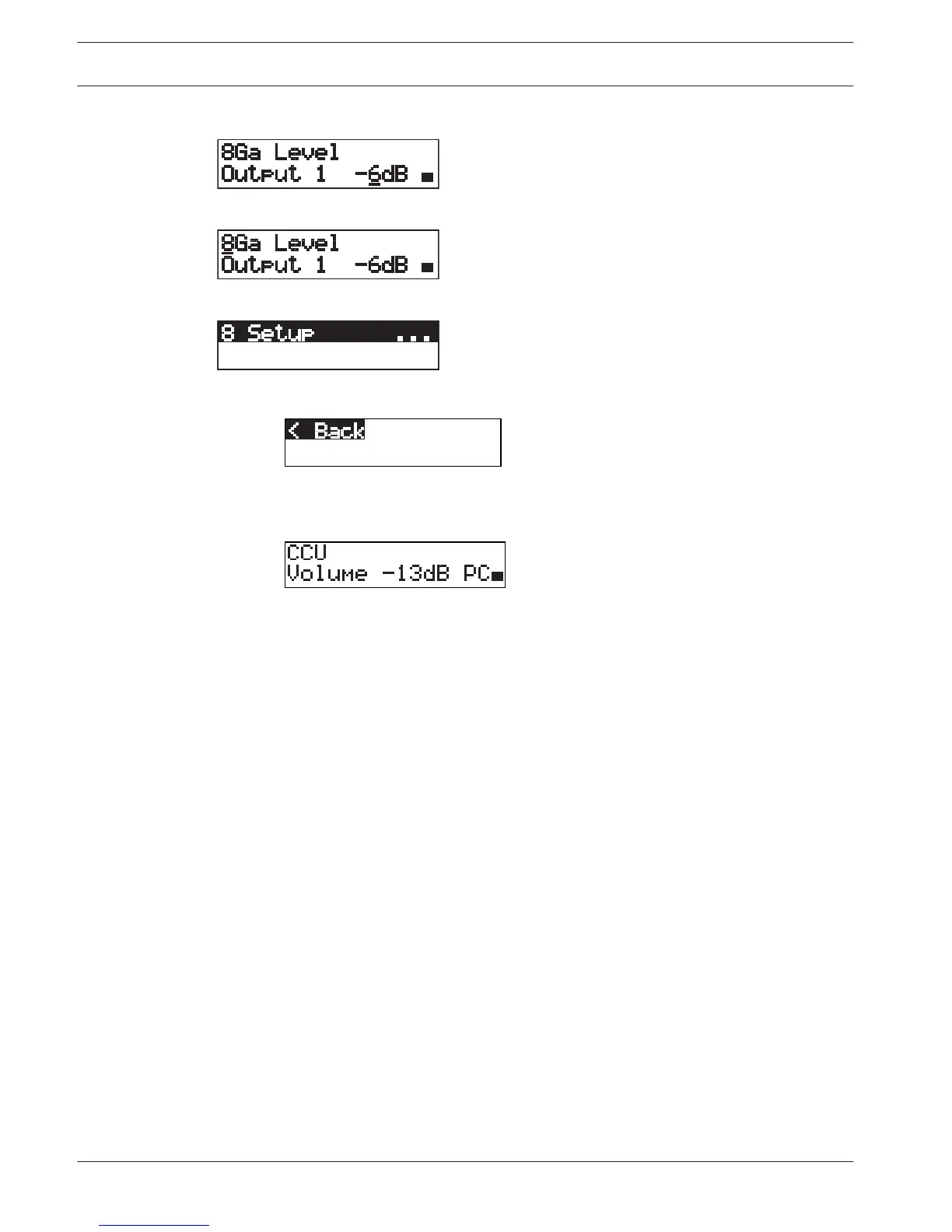
10. Push the knob to deselect the value.
11. Turn the knob to go to the main menu number.
12. Push the knob to go back to the main menu.
13. Turn the knob clockwise to go to the < Back menu item.
14. Push the button to go to the main screen.
182
en | Configuration Conference System
2013.11 | V2.0 | DCN-NG_OM_V4.x Operation Manual Bosch Security Systems B.V.















 To Next Page