2. Push the b preselect channel button and the B output selection button at the same time.
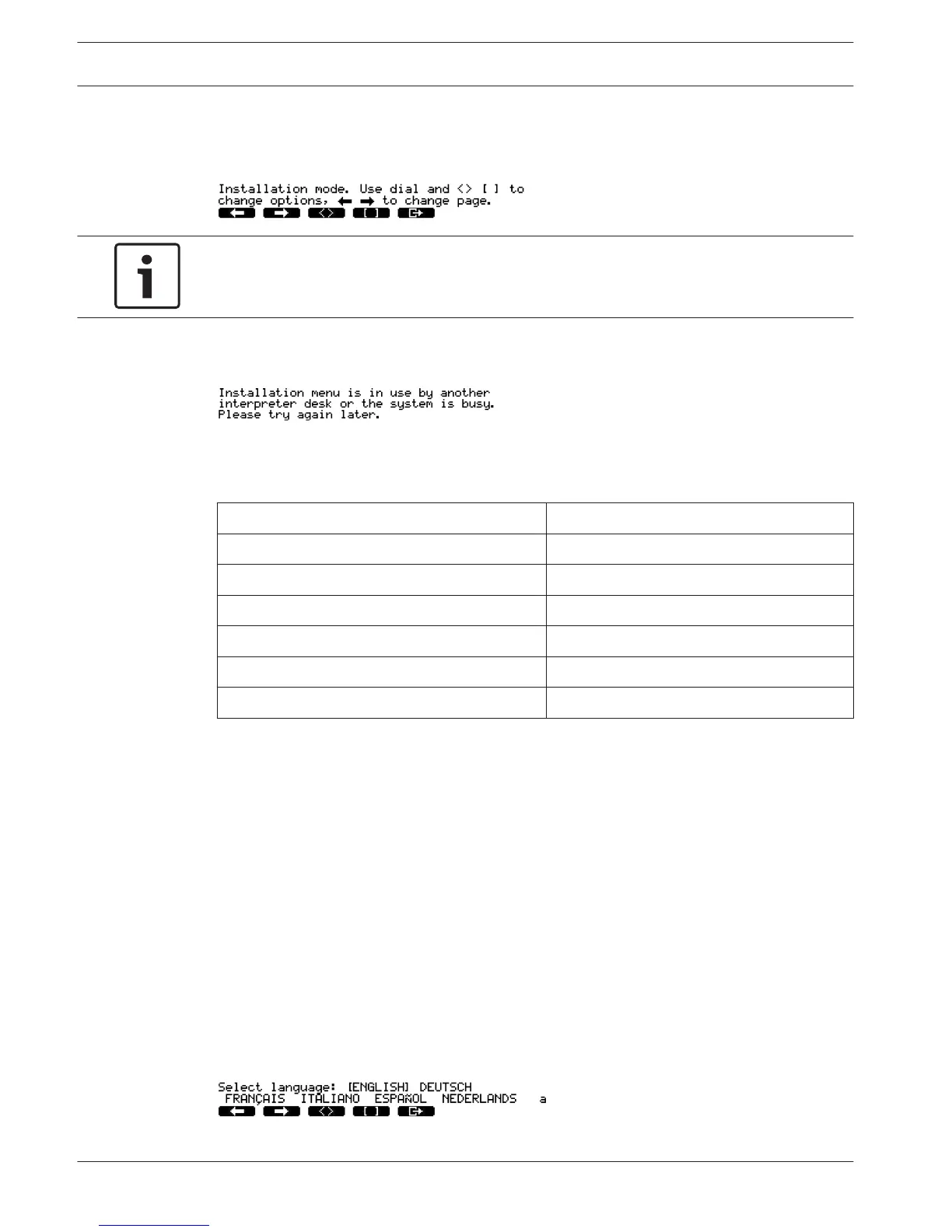
The installation mode of the interpreter desk starts.
3. The display shows:
Notice!
Some installation mode screens affect all interpreter desks in the system, only one interpreter
desk at a time can be in the installation mode.
4. When one of the interpreter desks in the system already is in the installation mode, the
display shows:
Navigation in the installation mode
In the installation mode, only a small number of controls are available (refer DCN-IDESK
Interpreter Desks, page 50).
Control Function
Primary knob Select menu option(s)
Preselect channel button a Go to the previous menu
Preselect channel button b Go to the next menu
Preselect channel button d Clear current selection
Preselect channel button e Enter current selection
Output selection button B Exit the installation mode
Table 7.40: Controls in the installation mode
Configuration procedures
To select the necessary parameters in the installation menus to configure the interpreter desk
do as follows:
1. Push the a and b preselect channel buttons to go to the necessary installation menu. The
parameter that is set has square brackets, for example, [option].
2. Push the d preselect channel button to clear the set parameter. The square brackets
change to arrow brackets, for example, <option>. This shows that you can select a
different choice with the primary knob.
3. Turn the primary knob to go to the necessary parameter. When the correct parameter is
selected, push the e preselect channel button. The arrow brackets change to square
brackets.
Menu screens
Menu a
Menu a sets the display language of the interpreter desk when in the installation mode. The
language is set for all interpreter desks in the system.
Menu b
222 en | Configuration Conference System
2013.11 | V2.0 | DCN-NG_OM_V4.x Operation Manual Bosch Security Systems B.V.












 To Next Page