– An indicator that shows the volume level of the loudspeakers of the contribution devices.
Turn the knob to change the volume level.
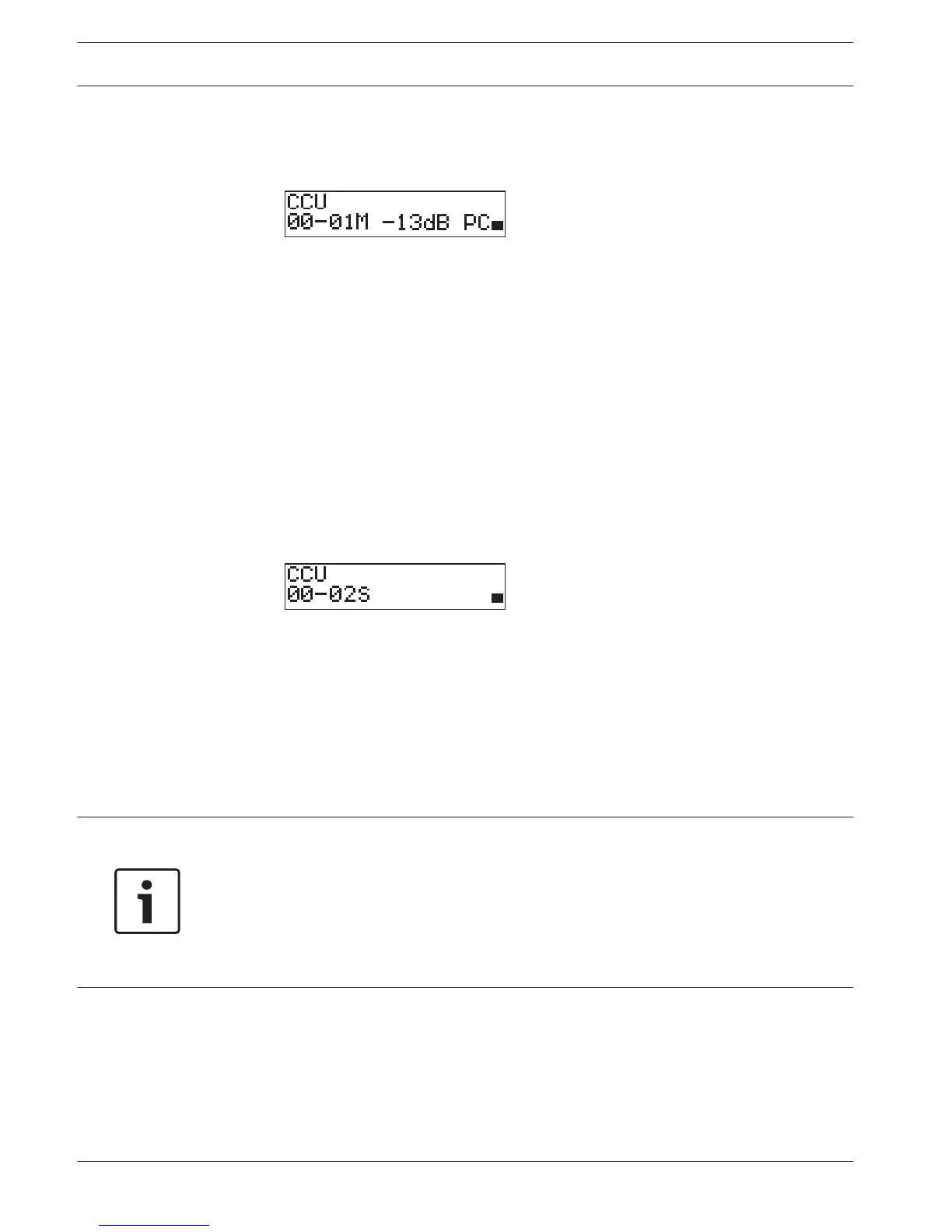
Multimode, master
The main screen shows:
– The unit name. The default name is CCU plus the serial number. Change the name with
the 8M Unit/Hostname menu item.
– The System ID (00 - 15).
– The Master ID (is fixed to 01).
– Multimaster mode (M).
– The volume setting in dB (-13 dB).
– The system mode. PC - when the PC control software is connected to the central control
unit.
– An indicator that shows the volume level of the loudspeakers of the contribution devices.
Turn the knob to change the volume level.
Multimode, slave
The following screen is displayed:
When the CCU is in multi mode, the main screen shows:
– The unit name. The default name is CCU plus the serial number. Change the name with
the 8M Unit/Hostname menu item.
– The System ID (00 - 15).
– The Slave ID (02 - 30).
– The Multi slave mode (S).
– An indicator that shows the volume level of the loudspeakers of the contribution devices.
Notice!
If you do not turn or push the knob for three minutes, the display automatically goes back to
the Main menu item. The display does not automatically go back to the Main menu item from
these menu items and their sub-menus:
6 Monitoring
8Da Assign Operator
8Db Assign Chairman
Pop-up message
When the central control unit detects a fault, the display shows a pop-up message. If there is
more than one message, the display shows the most important message.
232 en | Operation Conference System
2013.11 | V2.0 | DCN-NG_OM_V4.x Operation Manual Bosch Security Systems B.V.















 To Next Page