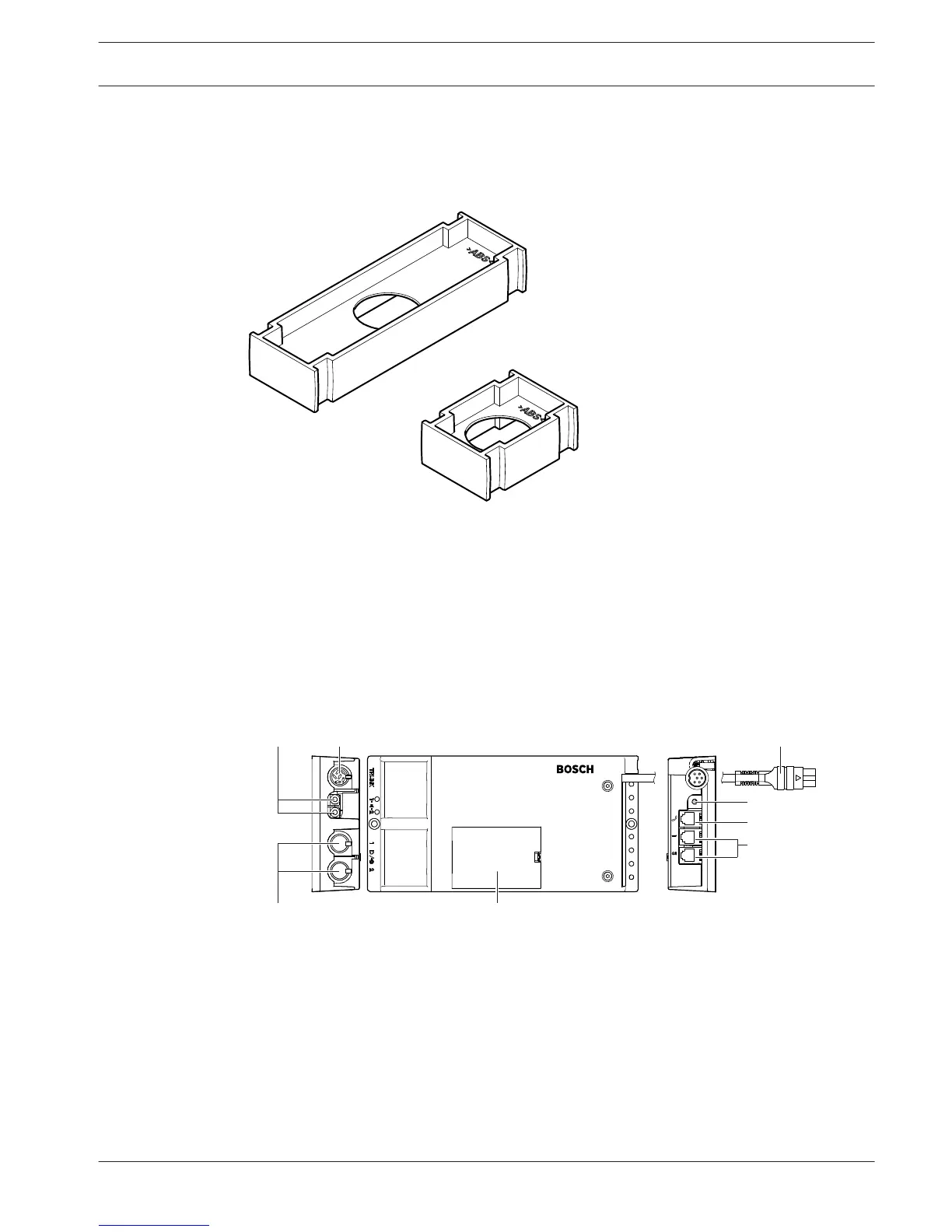
DCN-FPT Flush Positioning Tool
When using the block-mounting method to install flush-mounted devices, the DCN-FPT Flush
Positioning Tool can be used to measure the distance between two couple pieces.
Figure 3.31: Flush positioning tool
The following sections give more information about the mentioned subject:
– Connection: DCN-Flush mounted products, page 103.
– Technical Data: DCN-FPT Flush Positioning Tool, page 282.
DCN-DDI Dual Delegate Interface
Use the DCN-DDI Dual Delegate Interface to connect contribution devices with flush-mounted
devices.
Figure 3.32: Dual delegate interface
The dual delegate interface contains:
1. DCN cable - Connects the dual delegate interface to the DCN.
2. Mode selector - Sets the mode in which the dual delegate interface operates.
3. Intercom socket - Connects an DCN-ICHS Intercom Handset to the dual delegate
interface.
3.13
3.14
Conference System System Overview | en 39
Bosch Security Systems B.V. Operation Manual 2013.11 | V2.0 | DCN-NG_OM_V4.x















 To Next Page