DCN-FMICB Microphone Control Panel
The DCN-FMICB Microphone Control Panel, enables or disables the delegates audio input that
is connected to the DCN-DDI Dual Delegate Interface.
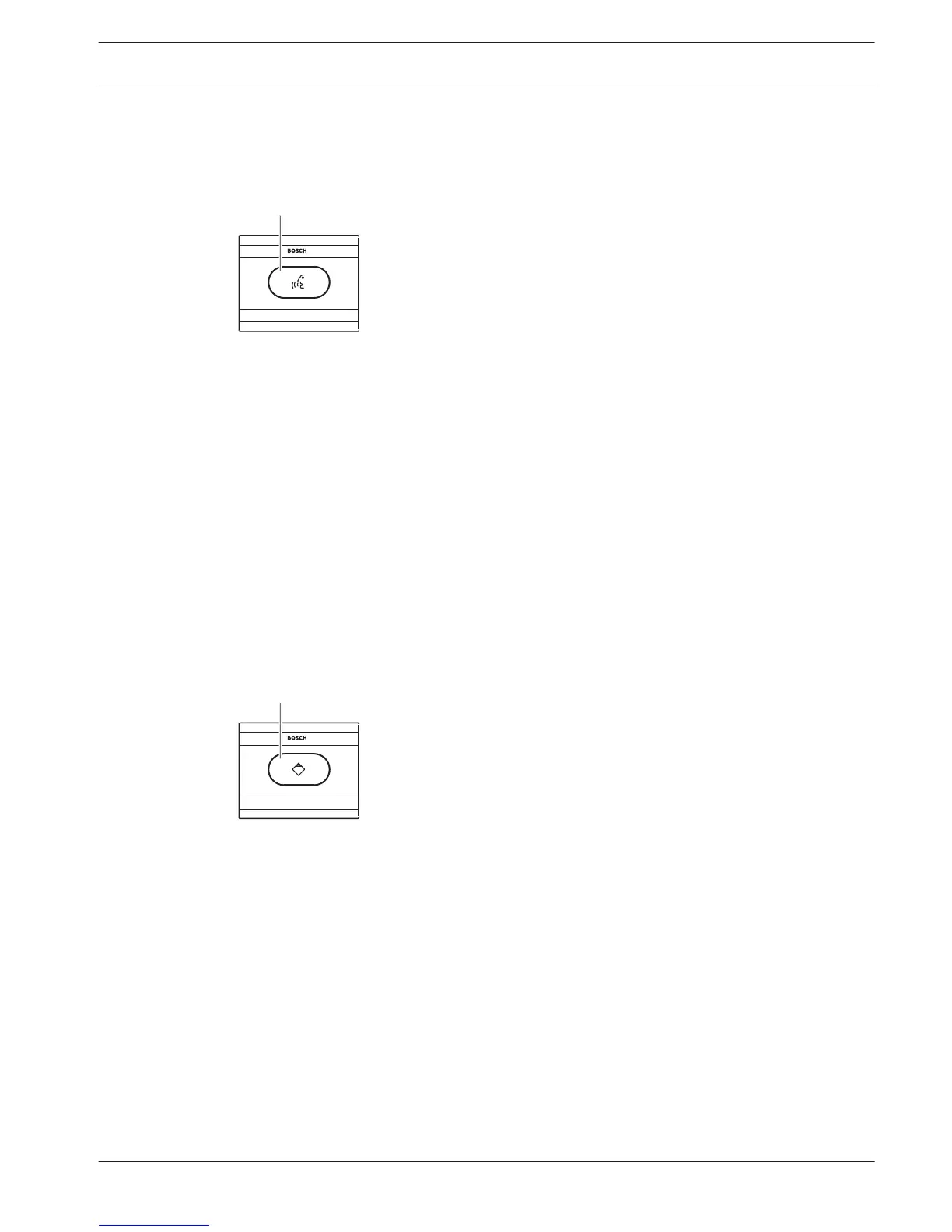
Figure 3.34: Microphone control panel
The microphone control panel contains:
1. Microphone button - Enables or disables the microphone. The LED ring of the
microphone button shows the condition of the microphone.
The following sections give more information about the mentioned subject:
– Installation: DCN-Flush mounted products, page 103.
– Connection: DCN-FMICB Microphone Control Panel, page 135
– Configuration: DCN-FMICB Microphone Control Panel, page 249
– Technical Data: DCN-FMICB Microphone Control Panel, page 283.
DCN-FPRIOB Priority Panel
With the DCN-FPRIOB Priority Panel, the chairman can disable the microphones of all delegate
devices. The priority panel must be used with the DCN-DDI Dual Delegate Interface in the
chairman mode.
Figure 3.35: Priority panel
The priority panel contains:
1. Priority button - Disables the microphones of all delegate devices and enables the
microphone of the chairman device when it is pushed. The priority control button has a
LED ring that shows the condition of the microphone.
The following sections give more information about the mentioned subject:
– Installation: DCN-Flush mounted products, page 103.
– Connection: DCN-FPRIOB Priority Panel, page 135.
– Configuration: DCN-FPRIOB Priority Panel, page 249.
– Technical Data: DCN-FPRIOB Priority Panel, page 283.
3.16
3.17
Conference System System Overview | en 41
Bosch Security Systems B.V. Operation Manual 2013.11 | V2.0 | DCN-NG_OM_V4.x















 To Next Page