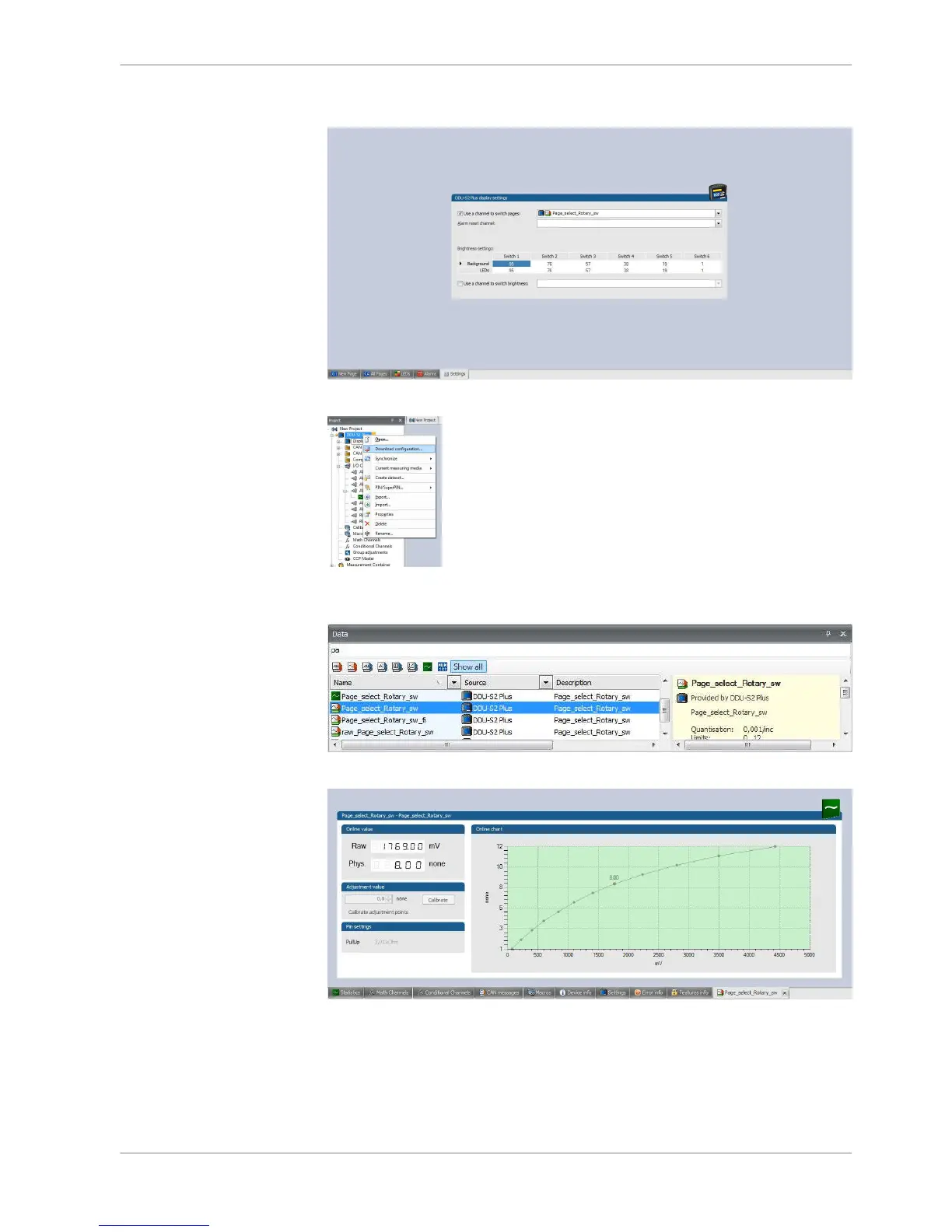
9. Check “Use a channel to switch pages:” and select channel configured above.
10. Select Download configuration.
11. Search configured channel and double click and then it shows Raw voltage
and Page position.
Option 2: Up/Down switches
1. Connect Up/Down switch to analog input ANAxx and sensor GRD.
2. Select Display Switch and drug into DDU 8.
8.4.2
Display Configuration | 8
Bosch Motorsport DDU S2 PLUS Manual 41 / 136














 To Next Page