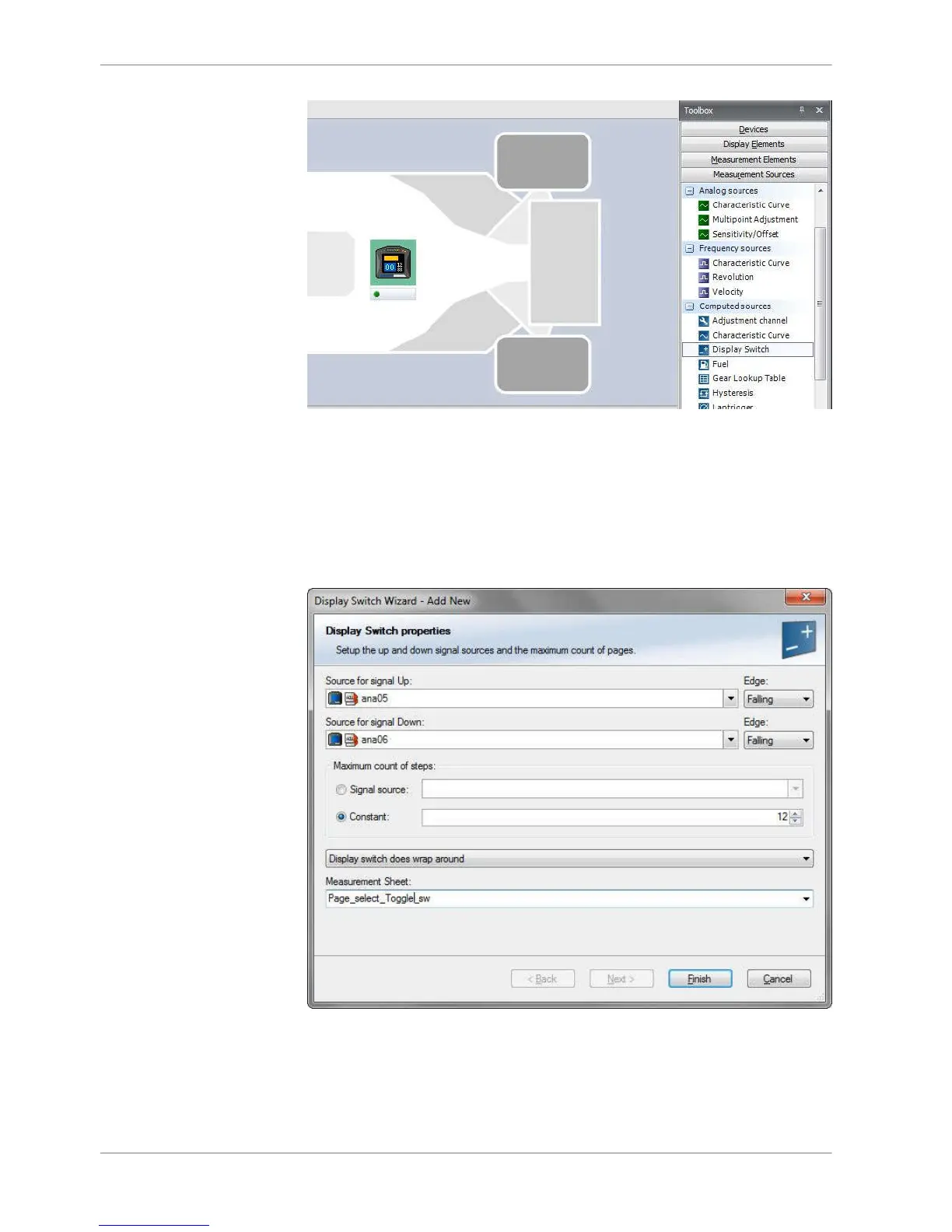
3. Select source for signal Up/Down and Edge Falling or Rising.
Select Maximum count of steps from signal source or constant.
Select Display switch does wrap around or Display switch does not wrap
around.
Display switch does wrap around goes Maximum position to Minimum posi‐
tion or the other way round by switching, and Display switch does not wrap
around does not.
Input measurement Sheet and go ‘Finish’.
4. Input Name and Description and go ‘Ok’.
8 | Display Configuration
42 / 136 DDU S2 PLUS Manual Bosch Motorsport














 To Next Page